New Update for
trueSpace7.61 Beta 8 Std Unofficial Update
viewtopic.php?t=3731
February 06, 2020
Discovered that the Status Messages for the Object and Camera widgets is not a good idea. Because in order to Undo the widget's transformation, you had to Undo 4 or 5 steps. So I removed the Status Messages from ALL of the widgets. Also the previous single LMB click to deactivate the widget, inhibited the ability to select other objects and countinue with the widget's transformation. So back to Shift + LMB click in 3D Space to deactivate the widgets or you can right clik the following toolbar icons.
* Object Move, Object Rotate, and Object Scale - RMB = Exit 'Deactivate the widget'
* Camera Move, Camera Rotate, Camera FOV, and Rectangle Zoom - RMB = Exit 'Deactivate the widget'
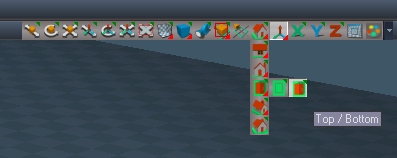
Also fixed the WinGUID_Bar aspect toolbar's Rectangle Zoom button. It nows shows as active when in use.
Link Editor Navigator

- LE Navigator.PNG (10.31 KiB) Viewed 3489 times
Add
P
LMB - Select Parent (Keyboard key Shortcut - UP)
RMB - Open
C
LMB - Select Children (Keyboard key Shortcut - DOWN)
RMB - Open
<
LMB - Select previous object (Keyboard key Shortcut - Left)
RMB - Open
|
LMB - Center to Selected (Keyboard key Shortcut - CTRL SHIFT LEFT)
RMB - Next 'Center to Selected' (Keyboard key Shortcut - CTRL SHIFT RIGHT)
Tip: RMB click in Link Editor to restore
>
LMB - Select next object (Keyboard key Shortcut - RIGHT)
RMB - Open
Tip:
Ctrl+
RMB - Unselect (Keyboard key Shortcut - ESC)
Open
RMB - Open scene (Keyboard key Shortcut - HOME)