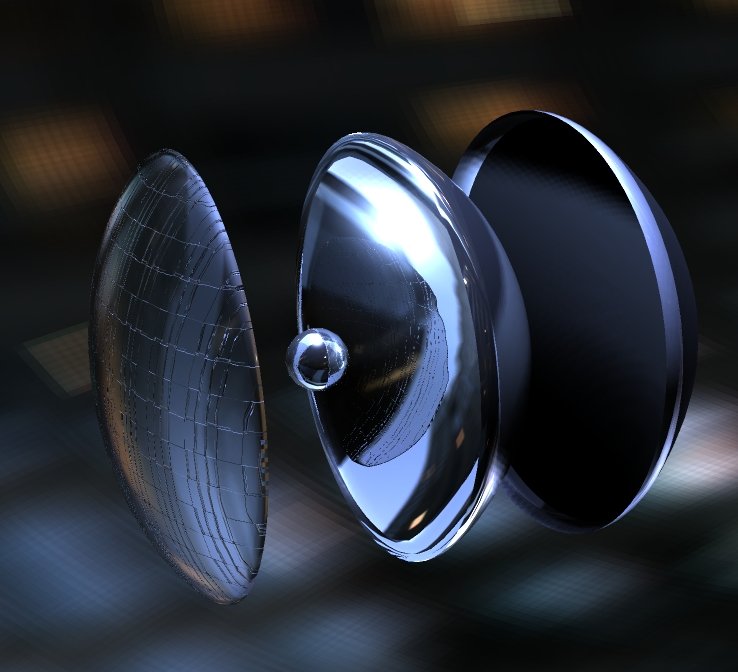
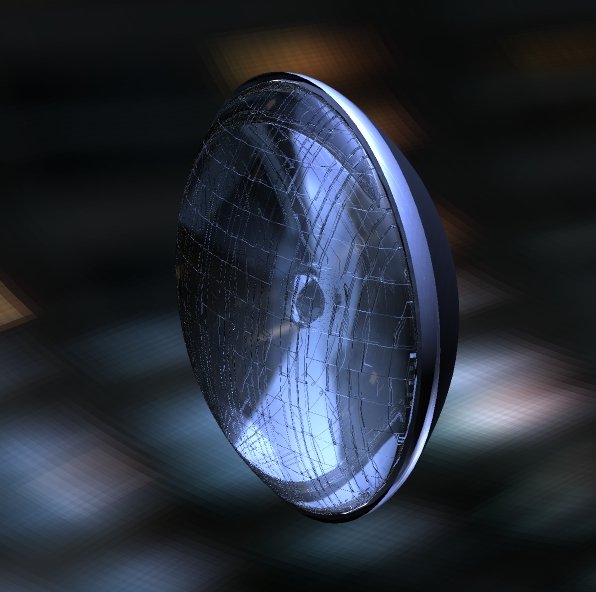
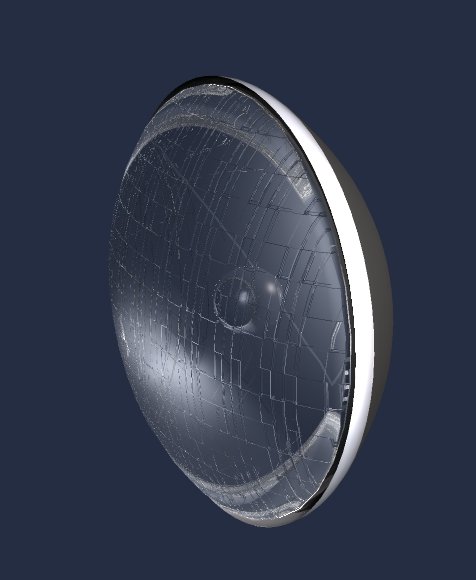
I have done so cars in TS but never did the headlights/tailights. I saw a tutorial that was
done for 3ds so I have tried to duplicate it in TS. I think these ate not too bad for a start
Its just an old style round car headlight. Hope to so some more modern style why I get the
hang of it.
Car Headlights
-
fahembree
- Chief Petty Officer
- Posts: 108
- Joined: 22 May 2009, 02:28
Car Headlights
- Attachments
-
-
-
-
jamesmc
- Captain
- Posts: 1776
- Joined: 08 Jul 2009, 15:35
Re: Car Headlights
Outstanding and realistic!
Walk by faith, not by sight.
-
fahembree
- Chief Petty Officer
- Posts: 108
- Joined: 22 May 2009, 02:28
Re: Car Headlights
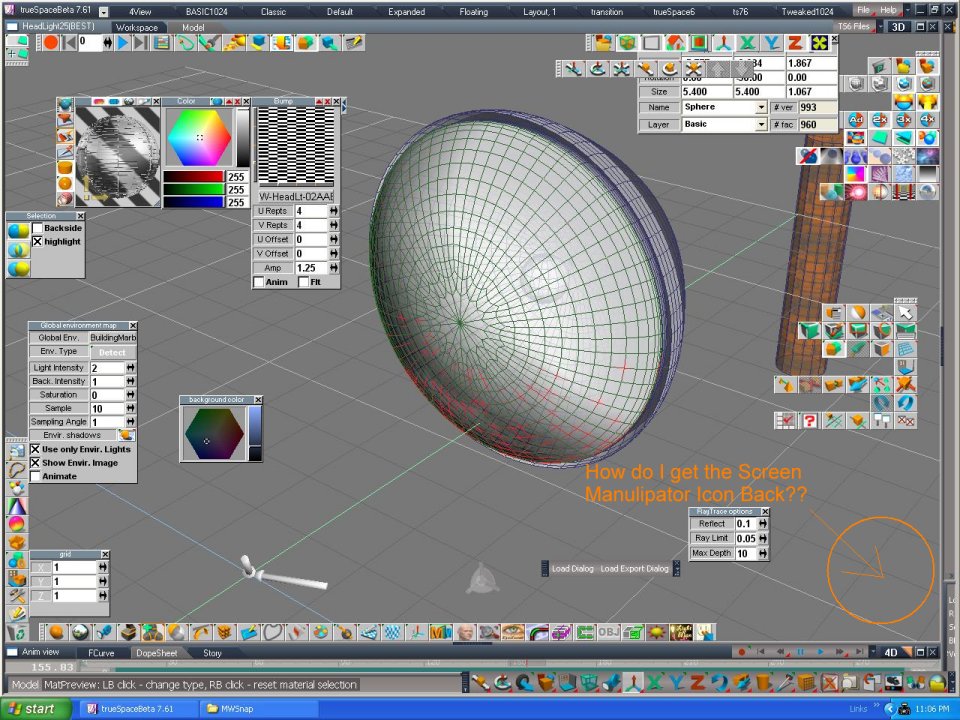
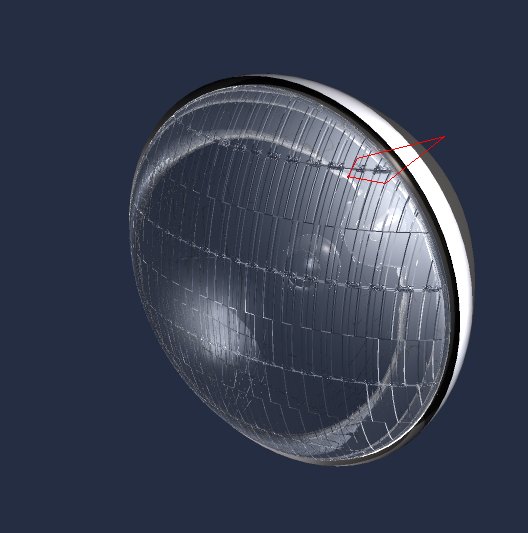
Thanks, I redid the bump map to make it more uniform but I still get some
areas that look like the glass has bad spots. Any idea what is causing this.
Also my screen manipulator has disappeared for some reason. How do I get it
back.
areas
that look like the glass has bad spots. Any idea what is causing this.Also my screen manipulator has disappeared for some reason. How do I get it
back.
- Attachments
-
-
-
spacekdet

- Captain
- Posts: 1810
- Joined: 27 May 2009, 15:00
- Type the number ten into the box: 10
- Location: On the day shift at the Utility Muffin Research Kitchen
Re: Car Headlights
Does the glass object have any thickness or is it a single poly thick?
Glass usually looks better if there's an outside and inside surface.
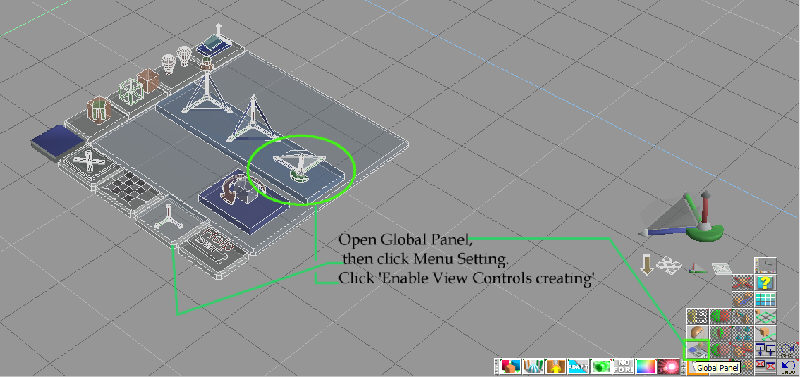
To get the view vidget back, open the Global Panel.
It's in the Object Tool flyout.
Click Menu setting, then 'enable view controls creating'
Glass usually looks better if there's an outside and inside surface.
To get the view vidget back, open the Global Panel.
It's in the Object Tool flyout.
Click Menu setting, then 'enable view controls creating'
-
fahembree
- Chief Petty Officer
- Posts: 108
- Joined: 22 May 2009, 02:28
Re: Car Headlights
Thanks, spacedeck, that worked for getting the view control back.
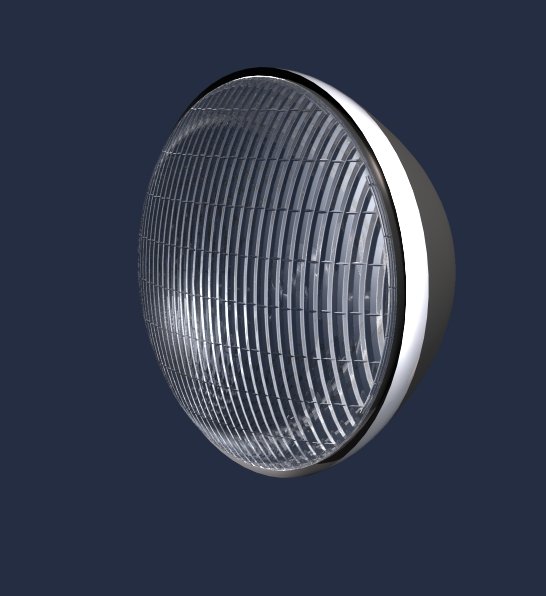
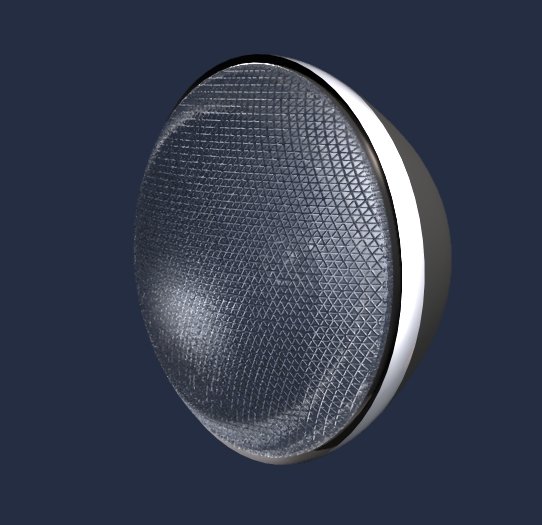
I think the problem with the previuos image was my bump map. I found a good solution for the bamp maps and that is to use Shader Majic for the bumps. The possibilities are really limitless and they render correctly. Having fun
just expermenting with all of the presets and adjustments. You can create you own but thats
really beyond my userstanding thought. Attached are some images using ShaderMajic.
I think the problem with the previuos image was my bump map. I found a good solution for the bamp maps and that is to use Shader Majic for the bumps. The possibilities are really limitless and they render correctly. Having fun
just expermenting with all of the presets and adjustments. You can create you own but thats
really beyond my userstanding thought. Attached are some images using ShaderMajic.
- Attachments
-
-
-
-
fahembree
- Chief Petty Officer
- Posts: 108
- Joined: 22 May 2009, 02:28
Re: Car Headlights
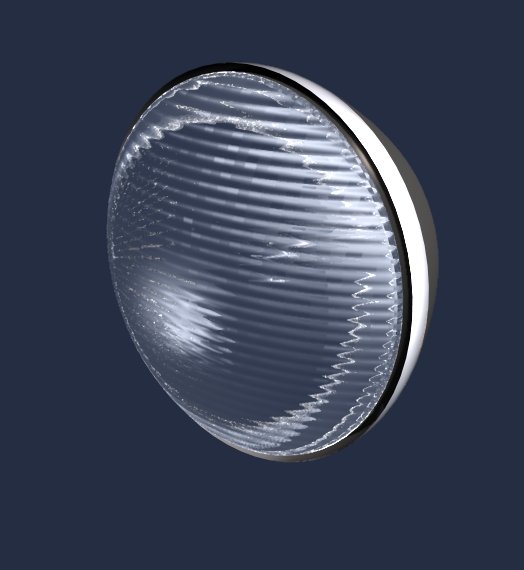
Decided to add one more quick image 
- Attachments
-
-
LeonRegis

- Captain
- Posts: 1946
- Joined: 18 Aug 2009, 17:36
- Type the number ten into the box: 0
- Location: Brazil/Earth/Orion Arm/Milky Way/4th Dimension/This Universe/Multiverse???/Singularity???
Re: Car Headlights
Fantastic! So realistic!
Great Work
Great Work
Be the change you want to see in the world. - Mohandas Gandhi
-
Breech Block

- Master Chief Petty Officer
- Posts: 482
- Joined: 13 Jun 2009, 20:31
Re: Car Headlights
Very nice indeed. Thanks for sharing.

-
compPanda
- Senior Chief Petty Officer
- Posts: 275
- Joined: 21 May 2009, 21:15
- Type the number ten into the box: 0
Re: Car Headlights
What shader settings do you use to get this realistic glass?fahembree wrote:Decided to add one more quick image
-
fahembree
- Chief Petty Officer
- Posts: 108
- Joined: 22 May 2009, 02:28
Re: Car Headlights
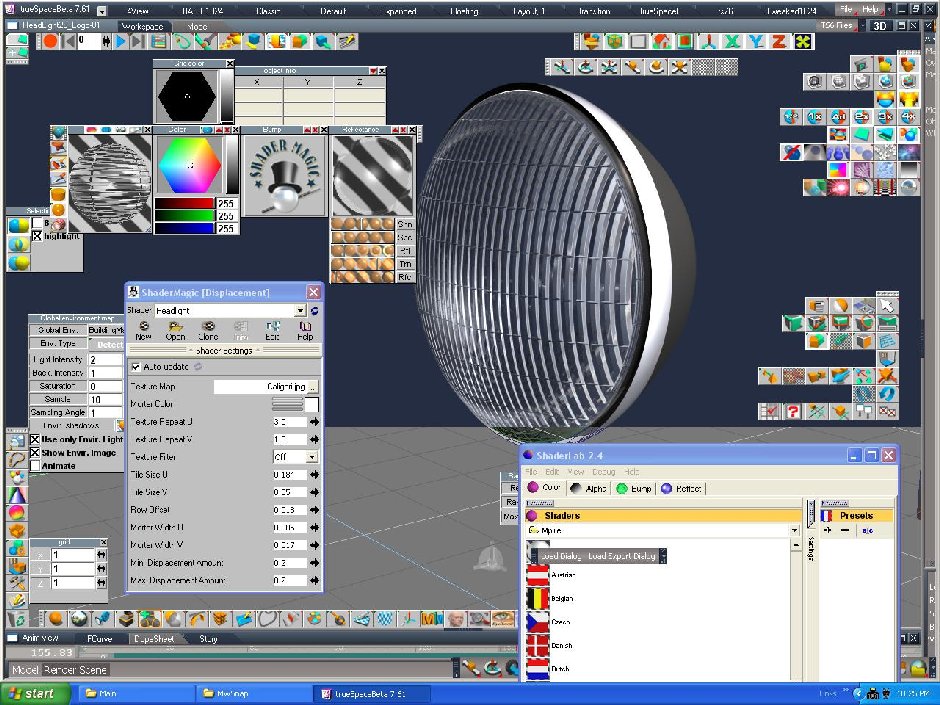
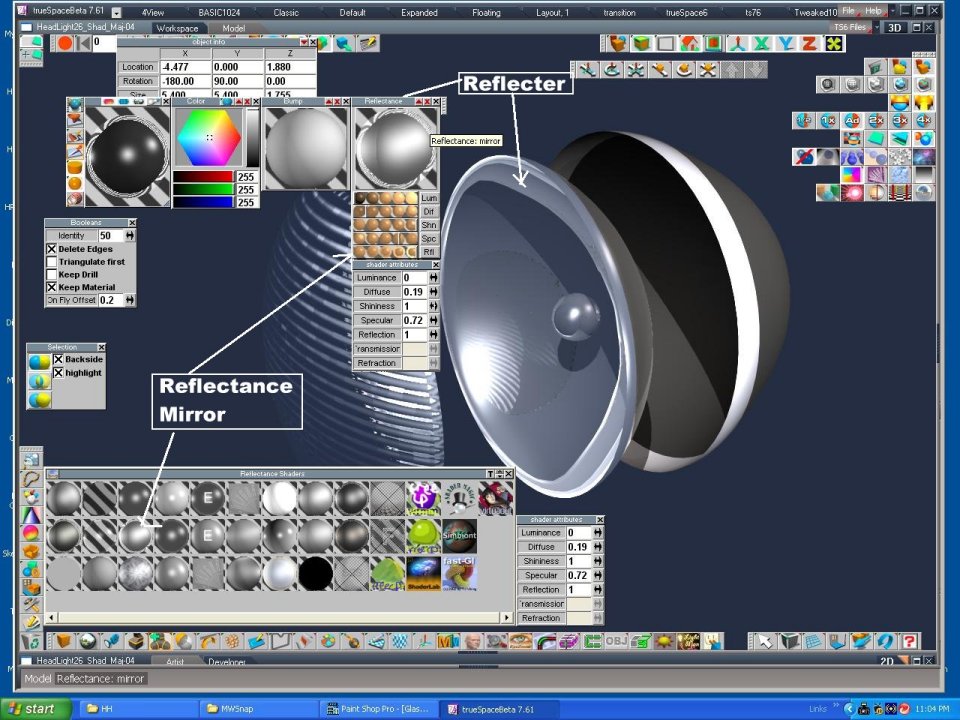
I hope these images help. I used the Truespace default glass shader and a shadermagic bump
shader with the setting indicated. The reflector behind the glass is also a default mirror
shader.
shader with the setting indicated. The reflector behind the glass is also a default mirror
shader.
- Attachments
-
-

-
compPanda
- Senior Chief Petty Officer
- Posts: 275
- Joined: 21 May 2009, 21:15
- Type the number ten into the box: 0
Re: Car Headlights
Thank you very much. You get it to look really realistic - impressive use of the shaders in my opinion.fahembree wrote:I hope these images help. I used the Truespace default glass shader and a shadermagic bump
shader with the setting indicated. The reflector behind the glass is also a default mirror
shader.