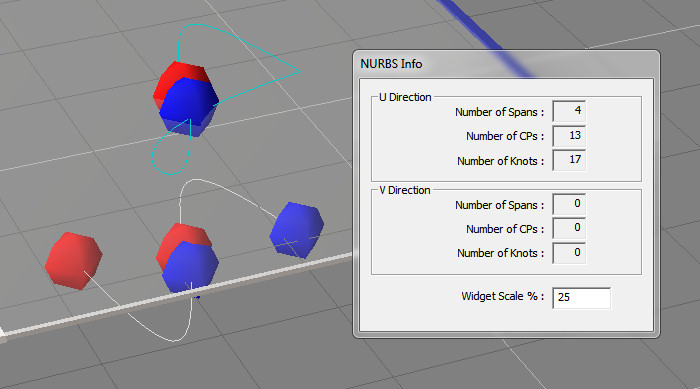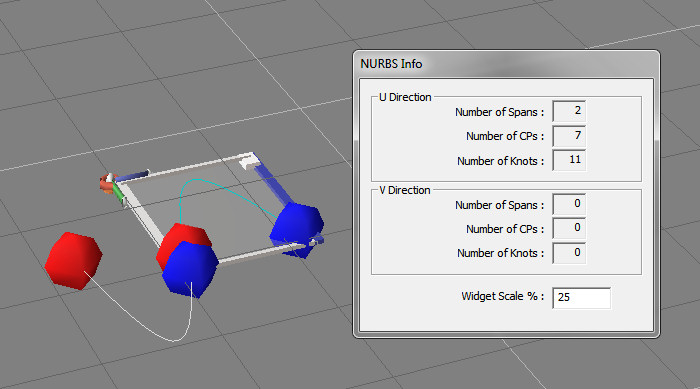
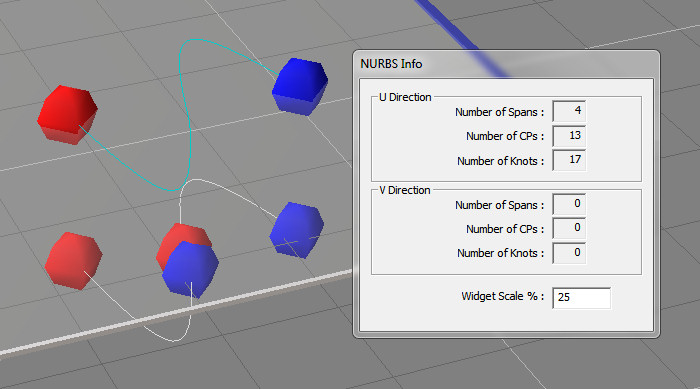
This plugin will weld 2 curves together. The red and blue balls are widgets from the NURBSinfo plugin and indicate the direction on the curves. The last point of the first curve selected needs to be near the first point of the second curve. Red indicates the last point and blue the first point on a curve.
Updates:
curves don't have to be grouped to be welded
better workflow - select first curve, click button, select the second curve
option to keep or remove the original curves
get it here:
http://www.clintons3d.com/plugins/trues ... index.html"
The next post shows the result of the curves if they are in the wrong order.
Update for the Weld Curve modelspace plugin
-
clintonman
- Captain
- Posts: 5659
- Joined: 21 May 2009, 21:08
- Type the number ten into the box: 0
- Location: California
Update for the Weld Curve modelspace plugin
-
clintonman
- Captain
- Posts: 5659
- Joined: 21 May 2009, 21:08
- Type the number ten into the box: 0
- Location: California
Re: Update for the Weld Curve modelspace plugin
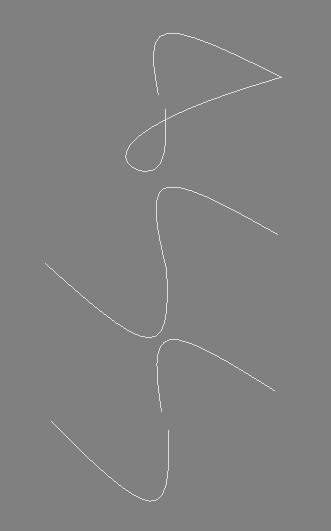
This is what happens when the curves are reversed when welding.
Here are from bottom to top: the original curves, properly welded and reverse welded.