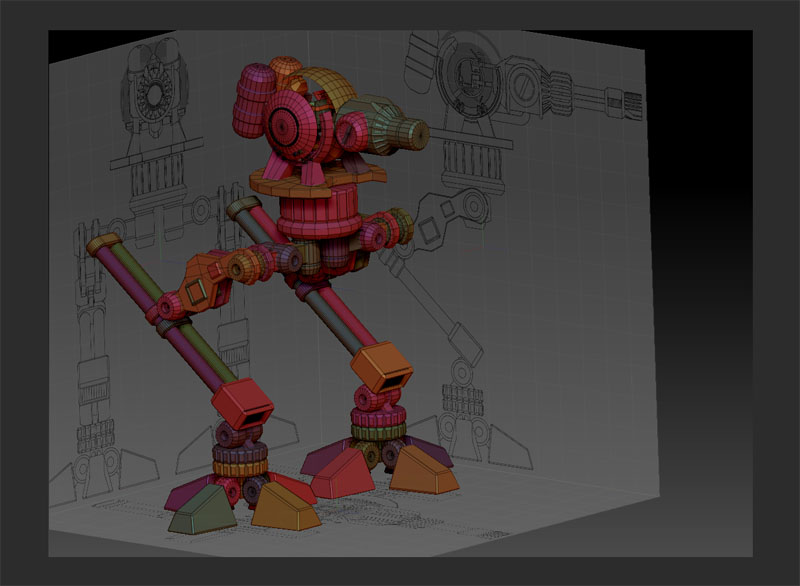
Mech model in ZBrush
-
clintonman

- Captain
- Posts: 5659
- Joined: 21 May 2009, 21:08
- Type the number ten into the box: 0
- Location: California
Mech model in ZBrush
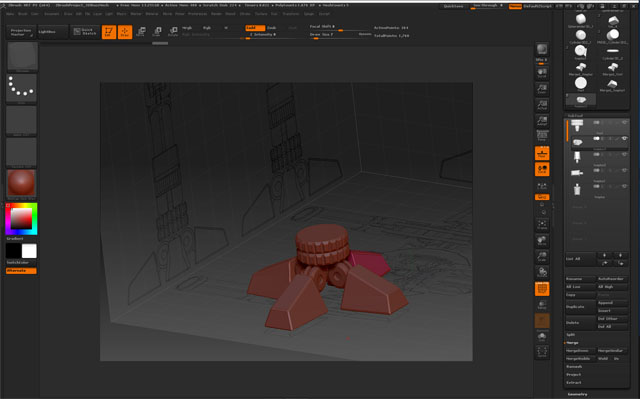
Learning some ZBrush using a model used in a Maya tutorial. The title of the first video in the tutorials is called the Toe. It took a long time to get to this point and there's a long way to go. I think it will get easier and faster as time goes on.
-
clintonman
- Captain
- Posts: 5659
- Joined: 21 May 2009, 21:08
- Type the number ten into the box: 0
- Location: California
Re: Mech model in ZBrush
-
pugman 1
- Captain
- Posts: 1555
- Joined: 21 May 2009, 19:26
- Type the number ten into the box: 0
- Location: Germany
Re: Mech model in ZBrush
Hi clintonman, Looks like your doing a great job .I cant get the hang of z modeler .
i just use zbrush for sculpting ,painting and all maps .
good job, keep it up
i just use zbrush for sculpting ,painting and all maps .
good job, keep it up
-
clintonman
- Captain
- Posts: 5659
- Joined: 21 May 2009, 21:08
- Type the number ten into the box: 0
- Location: California
Re: Mech model in ZBrush
Thanks, pugman
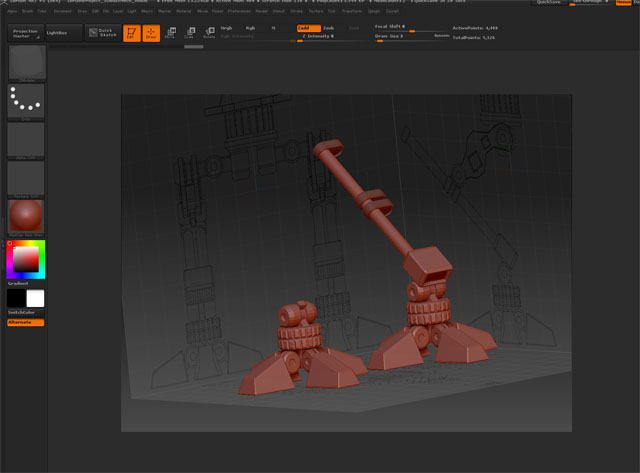
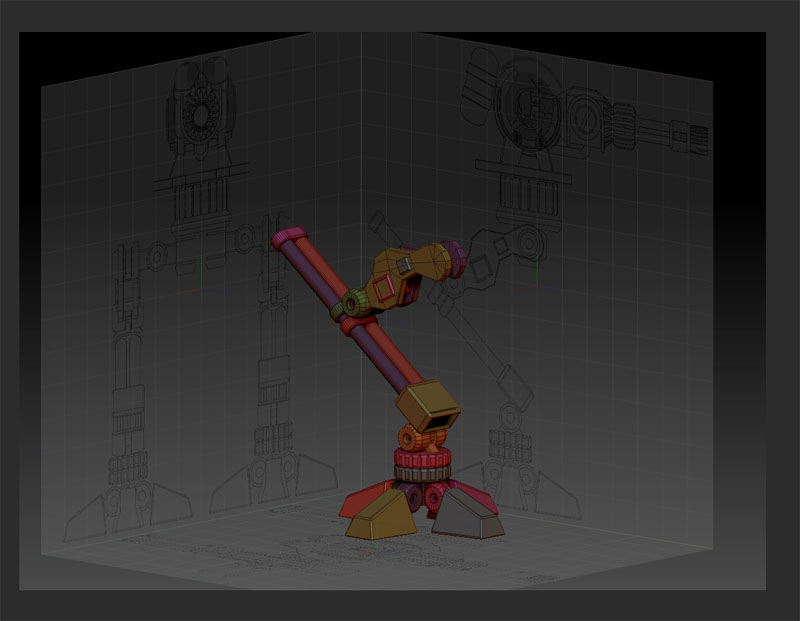
It's still awkward. Reviewing the masking, hiding and polygroups helped some. The biggest disadvantage of doing this in zbrush is that you can't model from the the side, like selecting a face in one view then moving it in a side view where it is only visible as an edge.
Added the upper leg.
It's still awkward. Reviewing the masking, hiding and polygroups helped some. The biggest disadvantage of doing this in zbrush is that you can't model from the the side, like selecting a face in one view then moving it in a side view where it is only visible as an edge.
-
Dragneye

- Lieutenant
- Posts: 906
- Joined: 02 Sep 2009, 22:09
Re: Mech model in ZBrush
Nice start clintonman.
-
clintonman
- Captain
- Posts: 5659
- Joined: 21 May 2009, 21:08
- Type the number ten into the box: 0
- Location: California
Re: Mech model in ZBrush
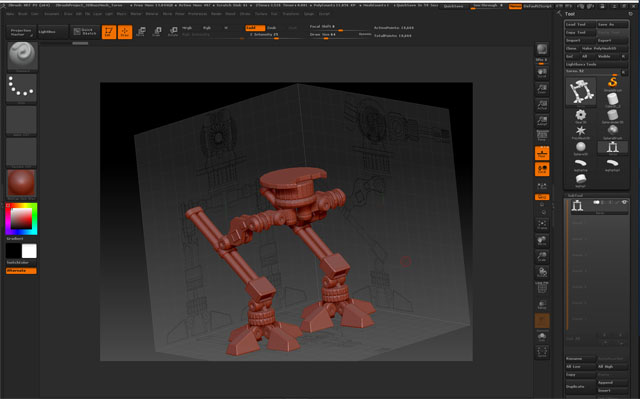
Mirrored the leg and added the pelvis and torso.
-
clintonman
- Captain
- Posts: 5659
- Joined: 21 May 2009, 21:08
- Type the number ten into the box: 0
- Location: California
Re: Mech model in ZBrush
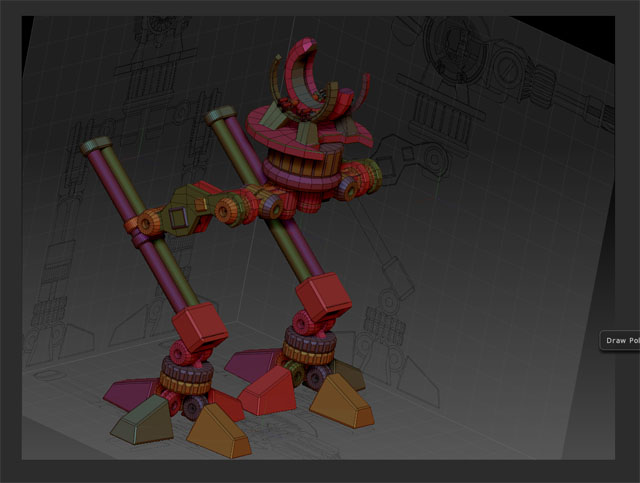
started the cockpit
It's still a pain in the butt. After this project I don't think I'll be doing much mechanical type modeling in zbrush.
It's still a pain in the butt. After this project I don't think I'll be doing much mechanical type modeling in zbrush.
-
clintonman
- Captain
- Posts: 5659
- Joined: 21 May 2009, 21:08
- Type the number ten into the box: 0
- Location: California
Re: Mech model in ZBrush
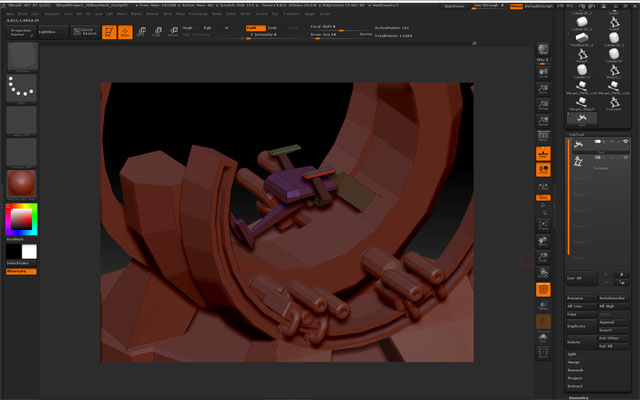
Seat bottom part. It seems like zbrush has trouble zmodeling thin parts edge on, so I just make them thick, do the modeling and then make them thin later.
-
Finis

- Captain
- Posts: 5410
- Joined: 21 May 2009, 18:26
- Type the number ten into the box: 0
- Location: America!
Re: Mech model in ZBrush
On one hand I wouldn't expect a program focused on sculpting/organic/intuitive modeling to be great for this kind of thing. On the other hand I would expect a program that costs this much to be OK at mechanical or precise modeling and great at its specialty of sculpting. Maybe that's what it is ... ok mechanical and great sculpting. So other programs might be better for mechanical or planned precise models.
When you finish this tutorial you could try making your own mech in a more intuitive way. Rather than a detailed blueprint just decide on basic things like "it will have a roundish body with tank tracks and lots of radio/radar antennae on top and cables going in and out of it". Then just start modeling. Then you can compare ZBrush modeling from a detailed pre-planned blueprint to using it for more intuitive work.
When you finish this tutorial you could try making your own mech in a more intuitive way. Rather than a detailed blueprint just decide on basic things like "it will have a roundish body with tank tracks and lots of radio/radar antennae on top and cables going in and out of it". Then just start modeling. Then you can compare ZBrush modeling from a detailed pre-planned blueprint to using it for more intuitive work.
I prefer dangerous freedom over peaceful servitude. -- Thomas Jefferson/Jean Jacques Rousseau
-
clintonman
- Captain
- Posts: 5659
- Joined: 21 May 2009, 21:08
- Type the number ten into the box: 0
- Location: California
Re: Mech model in ZBrush
Yep, I agree. It seems to be more for free form, non-precise modeling workflow. I stopped trying to be precise and moved more towards "close enough". That makes it a more enjoyable experience and I'm learning faster now. With the way Pixologic development goes I would be surprised if the next version didn't have the last bits of poly modeling that would make this project easier and it might even still be a free update. People who got in at version 2 still get free upgrades. That's years!  I don't see how they do it.
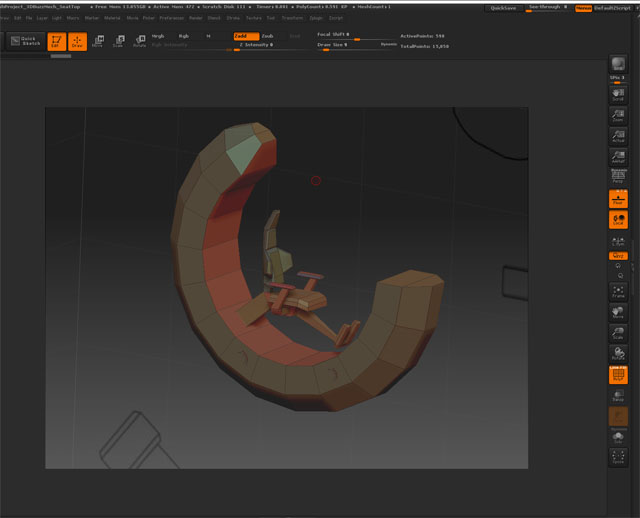
Here's the latest, with the top portion of the seat.
I don't see how they do it.Here's the latest, with the top portion of the seat.
-
clintonman
- Captain
- Posts: 5659
- Joined: 21 May 2009, 21:08
- Type the number ten into the box: 0
- Location: California
Re: Mech model in ZBrush
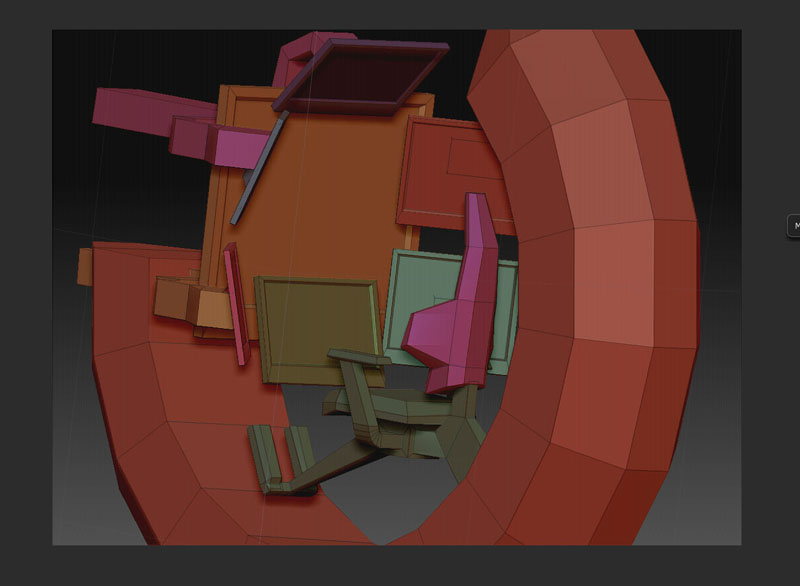
Display screens.
Finally starting to get the hang of this. I tried to do some mirror modeling but it didn't work for me. The items highlighted but didn't move.
Finally starting to get the hang of this. I tried to do some mirror modeling but it didn't work for me. The items highlighted but didn't move.
-
clintonman
- Captain
- Posts: 5659
- Joined: 21 May 2009, 21:08
- Type the number ten into the box: 0
- Location: California
Re: Mech model in ZBrush
-
RAYMAN

- Captain
- Posts: 2547
- Joined: 21 May 2009, 18:56
Re: Mech model in ZBrush
Problem with the program is not that its not made for mechanical......it just has a very very different Interface and a very very different approach ! VERY DIFFERENT !
If you want to make buidings easly then there are other options.. and for normal mechanical objects you can use a cad program or anything else nurbs related..
What makes Zbrush so UNIQUE....for mechanical modeling is the way you can model with alpha maps... no other program can do that !!!!!
Here is a very good tuorial

http://www.cgmeetup.net/home/architectu ... -tutorial/"
If you want to make buidings easly then there are other options.. and for normal mechanical objects you can use a cad program or anything else nurbs related..
What makes Zbrush so UNIQUE....for mechanical modeling is the way you can model with alpha maps... no other program can do that !!!!!
Here is a very good tuorial
http://www.cgmeetup.net/home/architectu ... -tutorial/"
-
clintonman
- Captain
- Posts: 5659
- Joined: 21 May 2009, 21:08
- Type the number ten into the box: 0
- Location: California
Re: Mech model in ZBrush
Bookmarked.
Thanks, I'll take a look at that in the near future. Joseph Drust is "the" zbrush guy.
Thanks, I'll take a look at that in the near future. Joseph Drust is "the" zbrush guy.
-
clintonman
- Captain
- Posts: 5659
- Joined: 21 May 2009, 21:08
- Type the number ten into the box: 0
- Location: California
Re: Mech model in ZBrush
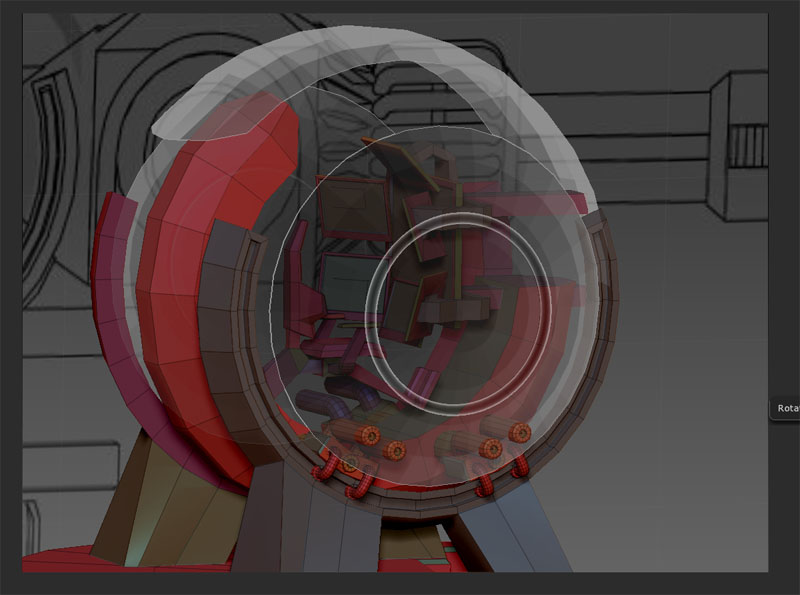
The journey continues, end almost in sight. Added the ammo tanks and started the cannon. ZBrush is so weird. Sometimes after using a tool I forget how to use it 5 minute later. I was going to stop at the model completion, but might try to texture and uv map it and then call it done.