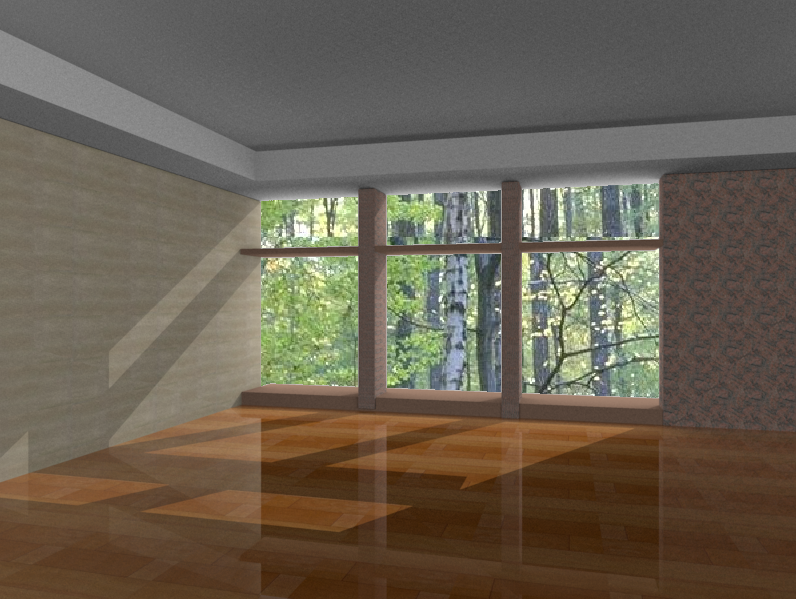
I have decided to experiment with virtualight for ts after have trusepace for years and never used this
option at all. After trying it I'm pretty impressed with it. Attached is my first real try and I hope to be able to imrove a lot more with it.
The attached image was reduced from 2260x1550.
Virtualight rendering test
-
fahembree
- Chief Petty Officer
- Posts: 108
- Joined: 22 May 2009, 02:28
Virtualight rendering test
- Attachments
-
-
fahembree
- Chief Petty Officer
- Posts: 108
- Joined: 22 May 2009, 02:28
Re: Virtualight rendering test
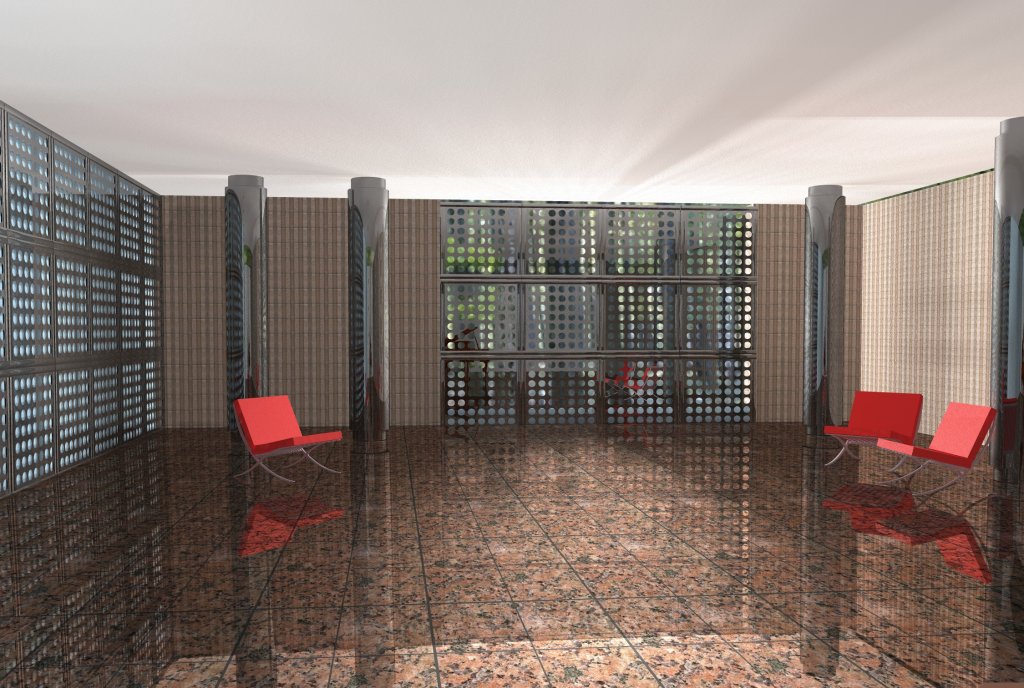
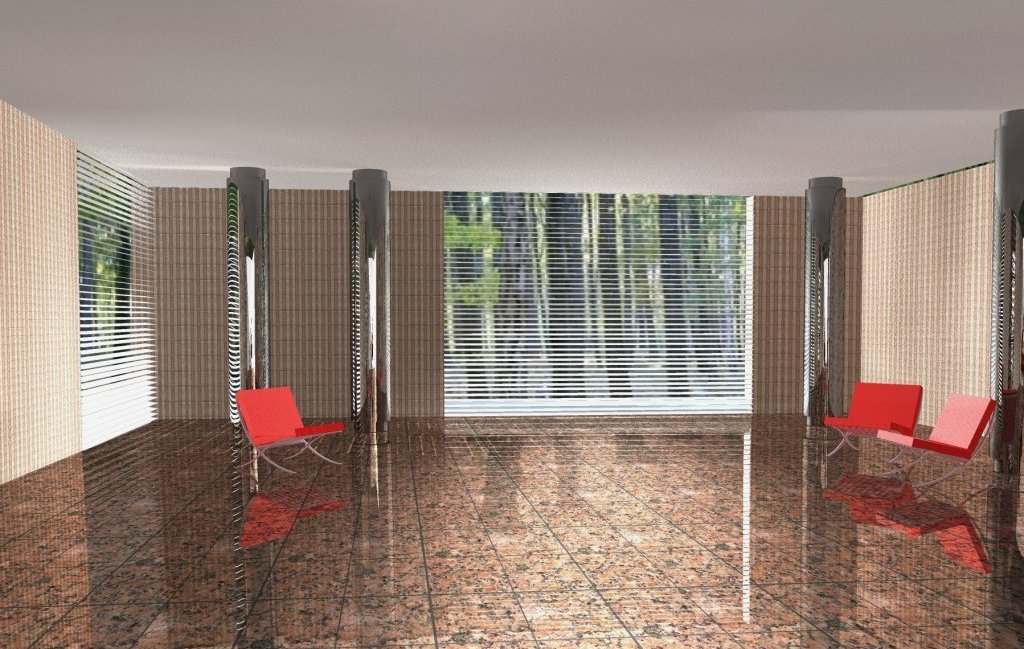
I made a few changes and decided to try to add some blinds on the windows and experiment with both virtualight and lightworks. Attached are some updated renders, one in virtualight and one in lightworks. The one with the wood floor is lightworks. Just having some furn and learning ts. 
- Attachments
-
-

-
fahembree
- Chief Petty Officer
- Posts: 108
- Joined: 22 May 2009, 02:28
Re: Virtualight rendering test
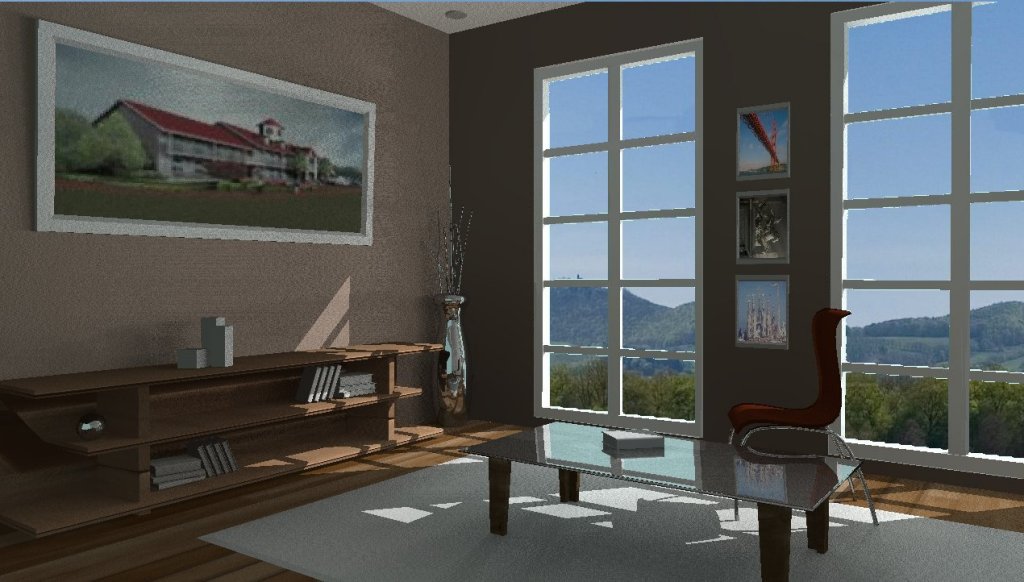
Here is another rendering using virtualight using a scene from the tutorial thread on using VRay.
The ts model scene was downloaded form hat thread and I added some textures.
I don't have Vray so virtualight will have to do. I wanted to use the sun from the virtualight to create the shadows. Don't know if there is any real difference between using VL sun and using an infinite light. To use the sun you have to have a skylight in the scene and for some reason if use use the skylight then the background image will not render, so I had to use paint shop pro to add the background exterior image. I know its a dark interior (i kind of like it though). WIll try to do a lighter version similar to vray tutorial next time thought.
The ts model scene was downloaded form hat thread and I added some textures.
I don't have Vray so virtualight will have to do. I wanted to use the sun from the virtualight to create the shadows. Don't know if there is any real difference between using VL sun and using an infinite light. To use the sun you have to have a skylight in the scene and for some reason if use use the skylight then the background image will not render, so I had to use paint shop pro to add the background exterior image. I know its a dark interior (i kind of like it though). WIll try to do a lighter version similar to vray tutorial next time thought.
- Attachments
-
-
bitkar

- Captain
- Posts: 2089
- Joined: 16 Mar 2010, 07:14
- Type the number ten into the box: 0
- Location: Czech Republic
Re: Virtualight rendering test
hey, really nice scene! but sorry I dont thing the lighting is good. This could be done with arealights in LW. Vray could make it much much more better. The GI is not good looking there.
Michal aka bitkar
tS freak since tS2 (1998) and forever (tS7.61 modeler)
tS freak since tS2 (1998) and forever (tS7.61 modeler)
-
fahembree
- Chief Petty Officer
- Posts: 108
- Joined: 22 May 2009, 02:28
Re: Virtualight rendering test
Yea, it was a little darker than I first thought. It has area lights, it just the intensity was set very low.
Here is another try with the area lights set higher. Appreciate the comments.
Here is another try with the area lights set higher. Appreciate the comments.
- Attachments
-

-
bitkar
- Captain
- Posts: 2089
- Joined: 16 Mar 2010, 07:14
- Type the number ten into the box: 0
- Location: Czech Republic
Re: Virtualight rendering test
there should be darker in corners, thats the first thing that is no right, when I see it.
Michal aka bitkar
tS freak since tS2 (1998) and forever (tS7.61 modeler)
tS freak since tS2 (1998) and forever (tS7.61 modeler)
-
marcel

- Captain
- Posts: 2247
- Joined: 21 May 2009, 19:52
- Type the number ten into the box: 0
- Location: paris - France
Re: Virtualight rendering test
You can use a color ligther for the dark wall or a perpendicular infinite light that illuminate this wall without change the other wall. It is a trick when you can't do correctly a global illumination.
Also the horizon line of the scene don't match with the horizon of the backgroung (photo).
Also the horizon line of the scene don't match with the horizon of the backgroung (photo).
Design - illustration - Animation
http://www.crea-vision.fr
http://www.crea-vision.fr
-
fahembree
- Chief Petty Officer
- Posts: 108
- Joined: 22 May 2009, 02:28
Re: Virtualight rendering test
Haven given up. Just haven't had time to fool with this much lately. The following is a lightworks test just using
gray scale with no materials. I know that the one soffit drop area parallel to windowa is too dark
gray scale with no materials. I know that the one soffit drop area parallel to windowa is too dark
- Attachments
-

-
v3rd3
- Lieutenant Commander
- Posts: 1191
- Joined: 21 May 2009, 20:04
Re: Virtualight rendering test
Sorry I can't add much to this Fahembree but I am following what you are doing with some interest.
-
fahembree
- Chief Petty Officer
- Posts: 108
- Joined: 22 May 2009, 02:28
Re: Virtualight rendering test
Heres another test with some expermenting with different lighting set up. I'm not sure why the top of the bookcase
always renders very dark.
always renders very dark.
- Attachments
-

-
fahembree
- Chief Petty Officer
- Posts: 108
- Joined: 22 May 2009, 02:28
Re: Virtualight rendering test
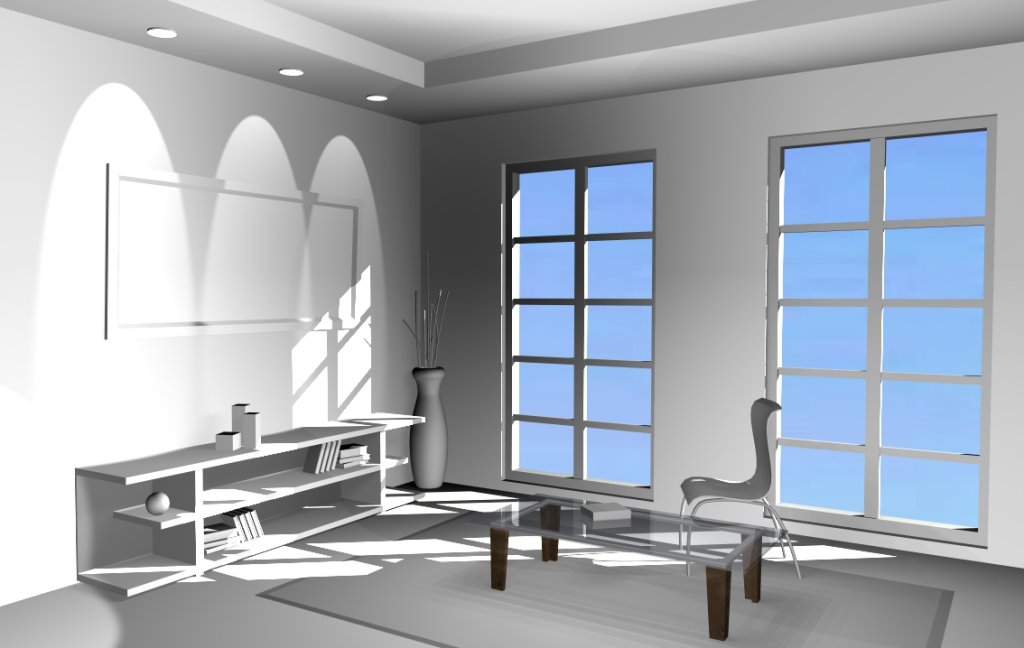
Decided to turn on the ceiling spot lights. This is a lightworks render and I think I got it about as good as I seem to be capable of doing. Any suggestion on how to improve the lighting?  I did apply some glass and wood materisl to the table.
I did apply some glass and wood materisl to the table.- Attachments
-
-
fahembree
- Chief Petty Officer
- Posts: 108
- Joined: 22 May 2009, 02:28
Re: Virtualight rendering test
I guess this will be the final version. I have added my materails and I hope MS doesn't care that I used their xp screen desktop for my background. 
Imay try some more using virtualight and also residoity(sp)
Imay try some more using virtualight and also residoity(sp)
- Attachments
-

-
marcel
- Captain
- Posts: 2247
- Joined: 21 May 2009, 19:52
- Type the number ten into the box: 0
- Location: paris - France
Re: Virtualight rendering test
I like this render between real and cartoon. good for architecture. The windows need more details and must end less near the ground or to the ground if they are doors. Maybe with 5x4 tiles (doors) instead of 5x2. Or 4x4 (windows which ends higher, about one tile).
Design - illustration - Animation
http://www.crea-vision.fr
http://www.crea-vision.fr
-
bitkar
- Captain
- Posts: 2089
- Joined: 16 Mar 2010, 07:14
- Type the number ten into the box: 0
- Location: Czech Republic
Re: Virtualight rendering test
marcel is right with that semirealistic-cartoon look and windows.
Michal aka bitkar
tS freak since tS2 (1998) and forever (tS7.61 modeler)
tS freak since tS2 (1998) and forever (tS7.61 modeler)
-
fahembree
- Chief Petty Officer
- Posts: 108
- Joined: 22 May 2009, 02:28
Re: Virtualight rendering test
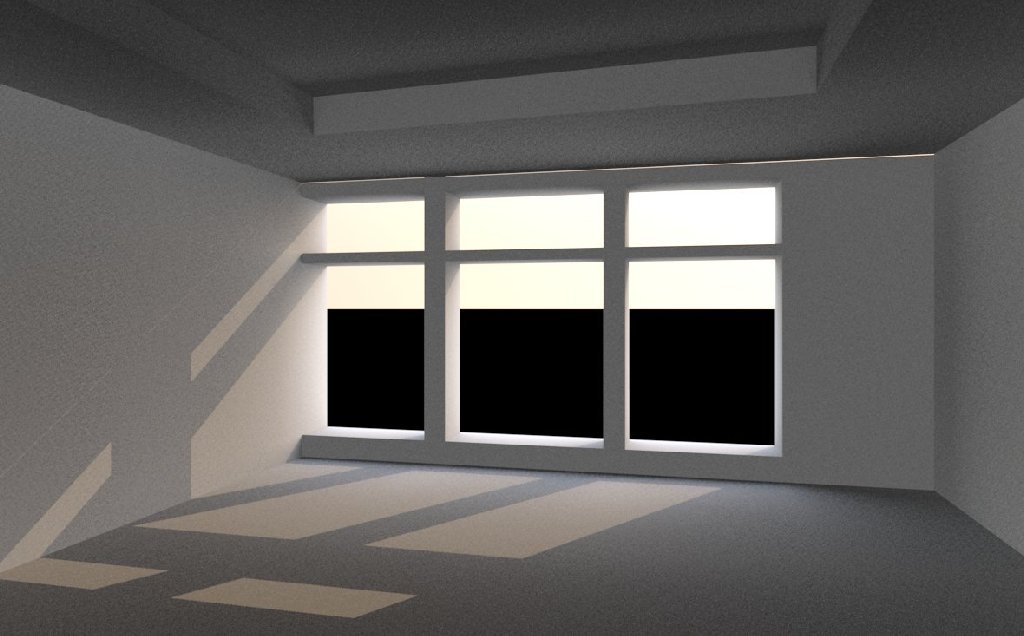
I decided to moderize the room somewhat, actually just redo it as I wasn't happy with the design. I have
been expermenting with an open sourse render called sunflow and was hoping to have a render using
sunflow, but apparently you cannot map materails with out knowing how to program. It does very nice
renders except for applying textured materials.
So then decided to try some renders engines that I have in sketchup. I haven't really used sketchup for a
while, last time about 6 months ago and completly forgot that I had turbosketch for sketchup. I was surprised
that it seemed to do pretty good renderings for interiors. For some reason when I first tried it many
months ago I wasn't very impressed. I guess I didn't try some interior scenes.
Anyway attached is a partially completed rendering. I need to add the bookcase, table, chair, and planter
to scene to complete it. The grayscale render is the sunflow.
been expermenting with an open sourse render called sunflow and was hoping to have a render using
sunflow, but apparently you cannot map materails with out knowing how to program. It does very nice
renders except for applying textured materials.
So then decided to try some renders engines that I have in sketchup. I haven't really used sketchup for a
while, last time about 6 months ago and completly forgot that I had turbosketch for sketchup. I was surprised
that it seemed to do pretty good renderings for interiors. For some reason when I first tried it many
months ago I wasn't very impressed. I guess I didn't try some interior scenes.
Anyway attached is a partially completed rendering. I need to add the bookcase, table, chair, and planter
to scene to complete it. The grayscale render is the sunflow.
- Attachments
-
-

-
rjeff

- Master Chief Petty Officer
- Posts: 462
- Joined: 21 May 2009, 18:26
Re: Virtualight rendering test
Looks great, I do see one thing, you may have already seen, but if you look on the leftside wall, there is one small sunlight streak, that does not look like it should be there. It is just above the other sun spots on the wall. What is looks like to me is there is a small crack between the wall and the celing or something like that.
-
marcel
- Captain
- Posts: 2247
- Joined: 21 May 2009, 19:52
- Type the number ten into the box: 0
- Location: paris - France
Re: Virtualight rendering test
even if there is a space between the wall and the celling, it is not logical that the light pass trought. maybe a bug of the render (?). it is why model need good precision. But the render look good. maybe the refflect on the ground is too strong. too many contrast between the refflect on the part of the ground with shadow of the wall and the part without refflect due to the direct light that illuminate the ground.
Design - illustration - Animation
http://www.crea-vision.fr
http://www.crea-vision.fr
-
bitkar
- Captain
- Posts: 2089
- Joined: 16 Mar 2010, 07:14
- Type the number ten into the box: 0
- Location: Czech Republic
Re: Virtualight rendering test
iam pretty impressed with the sunflow renderer. never heard about it before. your render looks good in therms of light. Can anyone make an exporter plugin for truespace? :) best for model side ;) what our plugin masters say about it? froo, clintonman, whoever...
Michal aka bitkar
tS freak since tS2 (1998) and forever (tS7.61 modeler)
tS freak since tS2 (1998) and forever (tS7.61 modeler)
-
Tommy

- Master Chief Petty Officer
- Posts: 403
- Joined: 28 Jun 2009, 14:05
- Type the number ten into the box: 0
- Location: Sweden, Göteborg
Re: Virtualight rendering test
Good work!!!. When I looking at your work it seems as the cleaner has put to much water to the floor. The sea outside should not give any images to the floor but reflections to the roof of the room.
"Carpe diem"
-
Prodigy

- Site Admin
- Posts: 957
- Joined: 21 May 2009, 14:46
- Type the number ten into the box: 0
- Location: Uruguay
Re: Virtualight rendering test
looking good so far.. keep the good work 
๑۩۞۩๑ prodigy ๑۩۞۩๑
-
fahembree
- Chief Petty Officer
- Posts: 108
- Joined: 22 May 2009, 02:28
Re: Virtualight rendering test
<< When I looking at your work it seems as the cleaner has put to much water to the floor. The sea outside should not give any images to the floor but reflections to the roof of the room.>>
Yes, I agree, it should not show that much reflection of the water on the floor, but the software only has some preddefined setting for reflection: Matte, plastic, varnished; polished; metal dull, metal polished; mirro; glass; water; and glow.
The one I used was polishe. Varnished selection did not show any reflection.
The light leaking at the top is a gap in the model surfaces.
Yes, I agree, it should not show that much reflection of the water on the floor, but the software only has some preddefined setting for reflection: Matte, plastic, varnished; polished; metal dull, metal polished; mirro; glass; water; and glow.
The one I used was polishe. Varnished selection did not show any reflection.
The light leaking at the top is a gap in the model surfaces.
-
fahembree
- Chief Petty Officer
- Posts: 108
- Joined: 22 May 2009, 02:28
Re: Virtualight rendering test
Well I think I got the basics of how to add materails to sunflow, at least for basic shapes such as planes and cubes.
Here is test image with some materials. It's kind of the hard way to render, using a text editor for applying materails.
Here is test image with some materials. It's kind of the hard way to render, using a text editor for applying materails.
- Attachments
-