Hi, i have a problem with publish my 3D model in Virtual Earth.
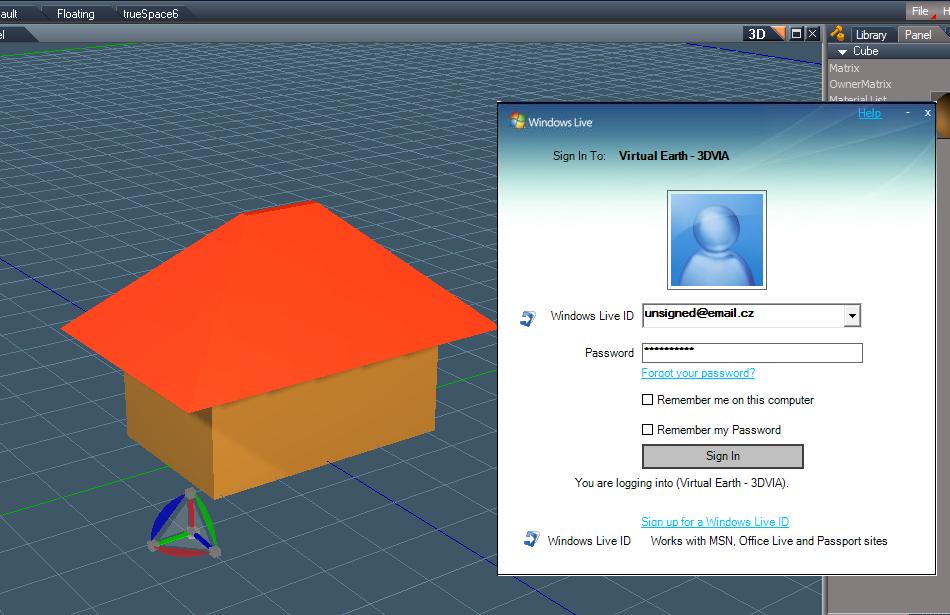
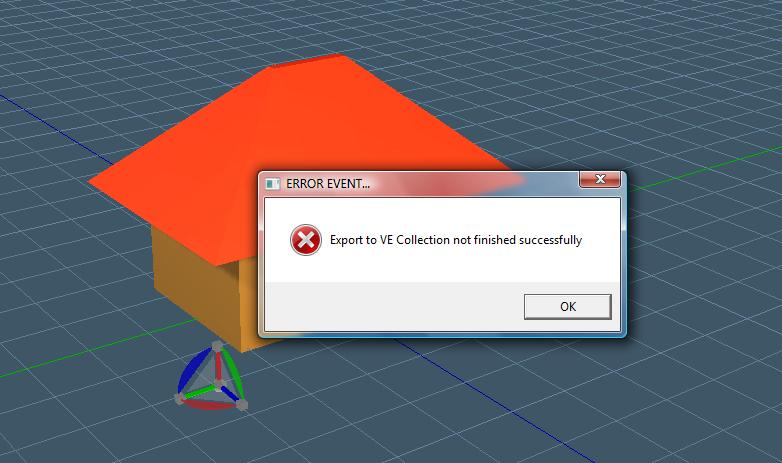
I click to VE-X export button in TS76, sign to my account and when i press Publish button, program report Error.
Can you help me pls? THX
spacekdet
Captain
Posts:1810
Joined: 27 May 2009, 15:00
Type the number ten into the box: 10
Location: On the day shift at the Utility Muffin Research Kitchen
I do exactly what is in that video, but after the last step "Publishing" program report me error: "ERROR EVENT:Export to VE Collection not finished succesfully"
spacekdet
Captain
Posts:1810
Joined: 27 May 2009, 15:00
Type the number ten into the box: 10
Location: On the day shift at the Utility Muffin Research Kitchen
Re: Virtual Earth
Postby spacekdet »
A couple things to try to narrow down where the problem is:
If so, can you upload/export to Virtual Earth a simple test model?
( If you can, perhaps there is a problem with the geometry in your more complex model. )
Did you use boolean subtract tool on your model? Perhaps you have holes/ floating vertices, which VE doesn't like. This bitesize vid covers how to deal with them.
Juve
Petty Officer Second Class
Posts:21
Joined: 30 Dec 2009, 11:55
Re: Virtual Earth
Postby Juve »
I have Windows LIVE ID.
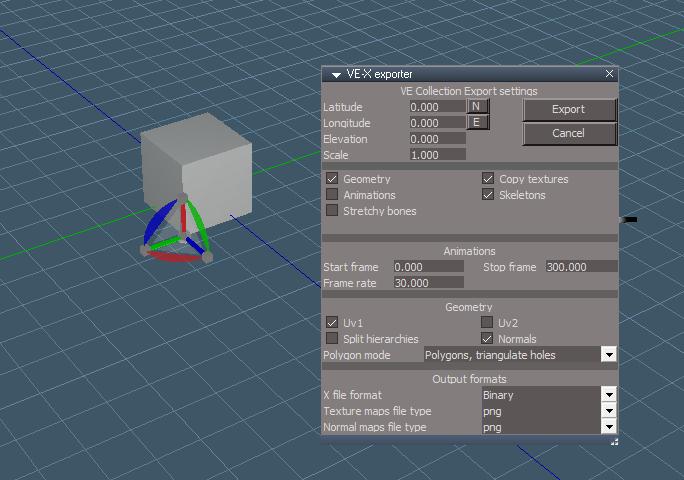
Here on the picture down i enter same Nick and PW as i sign into here (Windows LIVE ID)...
Model is very simply too...
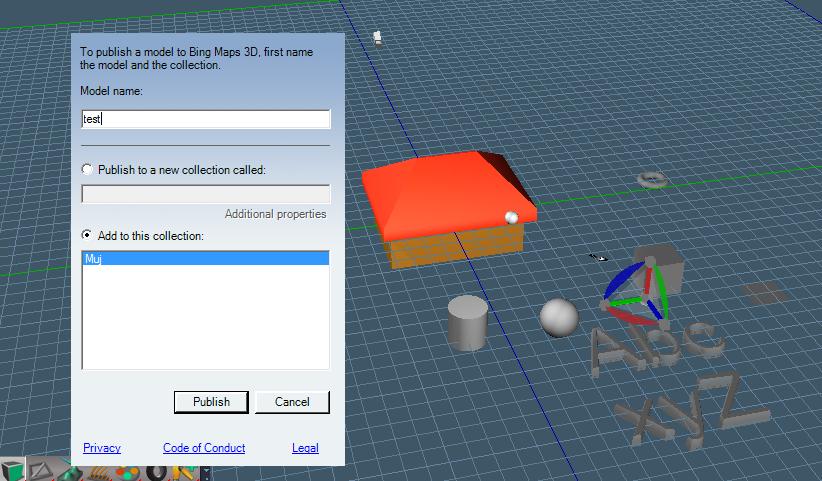
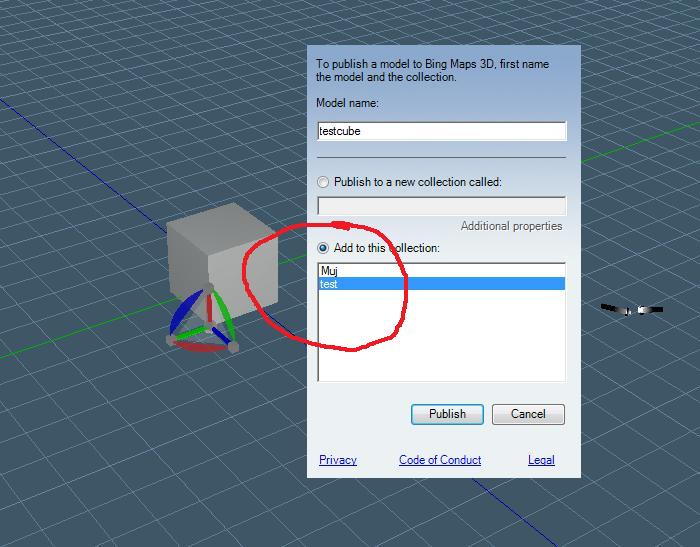
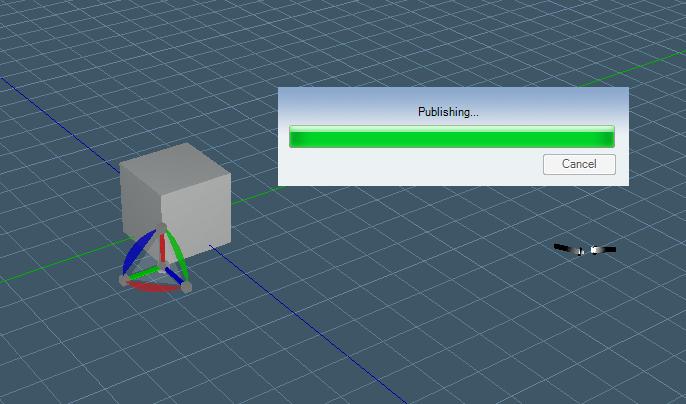
More down are pictures of my next steps
Attachments
Juve
Petty Officer Second Class
Posts:21
Joined: 30 Dec 2009, 11:55
Re: Virtual Earth
Postby Juve »
I tried export object from biteseze video too, but result is same..
Finis
Captain
Posts:5410
Joined: 21 May 2009, 18:26
Type the number ten into the box: 0
Location: America!
Re: Virtual Earth
Postby Finis »
I'm not sure but I think VE is Bing Maps now. http://www.bing.com/maps/" If so then maybe the software tries to use obsolete info. to connect to VE.
I prefer dangerous freedom over peaceful servitude. -- Thomas Jefferson/Jean Jacques Rousseau
spacekdet
Captain
Posts:1810
Joined: 27 May 2009, 15:00
Type the number ten into the box: 10
Location: On the day shift at the Utility Muffin Research Kitchen
Re: Virtual Earth
Postby spacekdet »
Nope, it just worked perfectly when I tried a very simple test object.
I didn't change any of the default settings except for longitude/latitude.
I'm no expert...that's the first time I've even tried exporting to Virtual Earth.
I wish Tom G were still around- he was good at this.
Maybe you can try it with a cube first- (you can delete it later)
If it works, that eliminates a connection problem- then you'll have to carefully check the model for any bad geometry, giant textures, etc.
I'm sorry I don't have a more exact answer for you.
Juve
Petty Officer Second Class
Posts:21
Joined: 30 Dec 2009, 11:55
Re: Virtual Earth
Postby Juve »
Okey thank you very much for your advices. But one more question.. How long time is it you tried export this?? Maybe this service in Truespace haven't been available now...
spacekdet
Captain
Posts:1810
Joined: 27 May 2009, 15:00
Type the number ten into the box: 10
Location: On the day shift at the Utility Muffin Research Kitchen
Re: Virtual Earth
Postby spacekdet »
I just tried it last night so it's still working.
Did you try it with just a simple cube or sphere?
Juve
Petty Officer Second Class
Posts:21
Joined: 30 Dec 2009, 11:55
Re: Virtual Earth
Postby Juve »
Okey thanks, so error is only in my side..
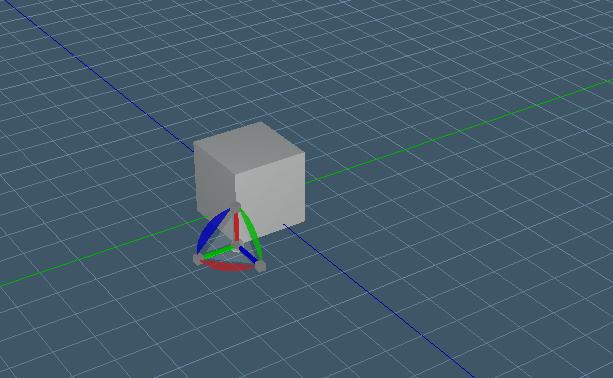
Yes I can tried with anything base objects like in this picture down.
I really don't know what is wrong
Attachments
spacekdet
Captain
Posts:1810
Joined: 27 May 2009, 15:00
Type the number ten into the box: 10
Location: On the day shift at the Utility Muffin Research Kitchen
Re: Virtual Earth
Postby spacekdet »
If you don't mind sharing the house model, save it as a zip file and upload it as an attachment here to the forum.
I can try exporting it to Virtual Earth, if it fails then I will take a look at the geometry.
Juve
Petty Officer Second Class
Posts:21
Joined: 30 Dec 2009, 11:55
Re: Virtual Earth
Postby Juve »
Exporting 3D model in truespace to VE is one part of my bachelor. I only try if it works right, I haven't model yet..
Perhaps is a problem in HW or internet provider.. I will try it on others machines. Perhaps this service isn't allowed in my country (Czech republic)..
However thank you very much
Steinie
Captain
Posts:2958
Joined: 21 May 2009, 17:38
Type the number ten into the box: 10
Re: Virtual Earth
Postby Steinie »
...or SpaceKDet could make a simple house and send it to you to Juve to try.
I have not used trueSpace in quite a while but I just tried to export a model to VE3D and am getting the same error.
Using trueSpaceBeta 7.61. The last time I was able to successfully export was with the old version. If I still have it, I will give it a try.
Edit....
OK. It works for 7.6. One difference is that when you get the dialog from VE about what you want to name your object and what collection to use, exporting with 7.6 gave me a list of all of my collections. Exporting with 7.61 did not have my list. I'll keep experimenting. Is Version 7.6 still available?
Edit..
Tried again with 7.61 and it worked. Maybe the server was too busy for my earlier request?
Juve
Petty Officer Second Class
Posts:21
Joined: 30 Dec 2009, 11:55
Re: Virtual Earth
Postby Juve »
Hi jrboddie and Steinie,
Unfortunately I tried it in TS76 too and it's still not working ..
I've attached my testing object cube, I thing this one is right.
I don't sure I have correctly created Windows Live ID. But when I fill VE-export dialog I log in always in there...
I begin to believe that this doesnt work here in Czech republic or the server is busy constantly here..
jrboddie
Seaman
Posts:9
Joined: 07 Jul 2009, 15:04
Re: Virtual Earth
Postby jrboddie »
Your object exported fine.
First see if you can log into VE (Bing Maps) and create a collection of places (push-pins). Log out and log in to VE and see if this was saved for you.
Juve
Petty Officer Second Class
Posts:21
Joined: 30 Dec 2009, 11:55
Re: Virtual Earth
Postby Juve »
Yes I can, I log in into bing.com/maps then I right click on the map and choose "push-pin". I create collection with name "test".
Here are some pictures of my steps..
1)I choose right object without holes and floating vertices
2)Click to VE-Exporter button right down in TS
3)I sign into bing.com
etc..
Attachments
Juve
Petty Officer Second Class
Posts:21
Joined: 30 Dec 2009, 11:55
Re: Virtual Earth
Postby Juve »
...
Attachments
jrboddie
Seaman
Posts:9
Joined: 07 Jul 2009, 15:04
Re: Virtual Earth
Postby jrboddie »
I just exported your cube using exactly the same settings as your screen shots.
So, could it be your firewall or other security settings? Are you using Windows 7? I am using XP and Vista. Finally, you have IE installed?
Juve
Petty Officer Second Class
Posts:21
Joined: 30 Dec 2009, 11:55
Re: Virtual Earth
Postby Juve »
Yeaa it's working! I have tried it on PC at work and it's worked fine there! But it doesn't work at my home.. I have 2 PC here. One with Vista system and second with XP. I tried off firewall and others security settings and nothing..
Maybe my Internet provider (02 Telefonica) doesn't allow this service.
Anyway I don't understand this..