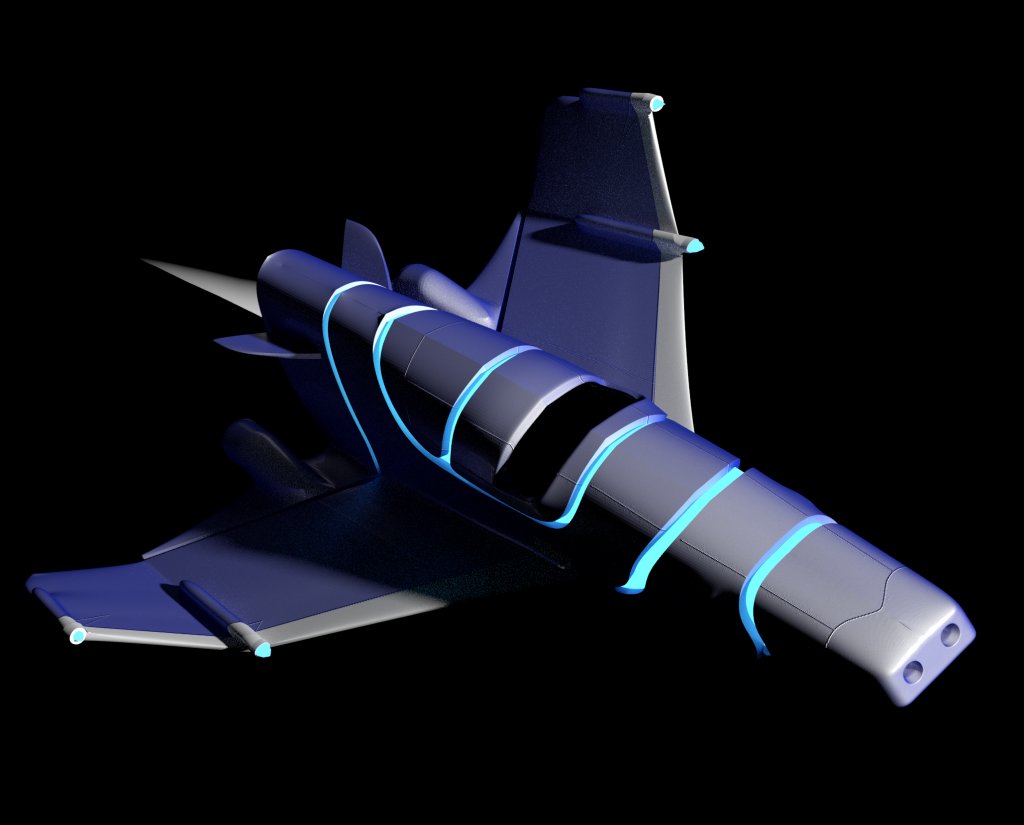
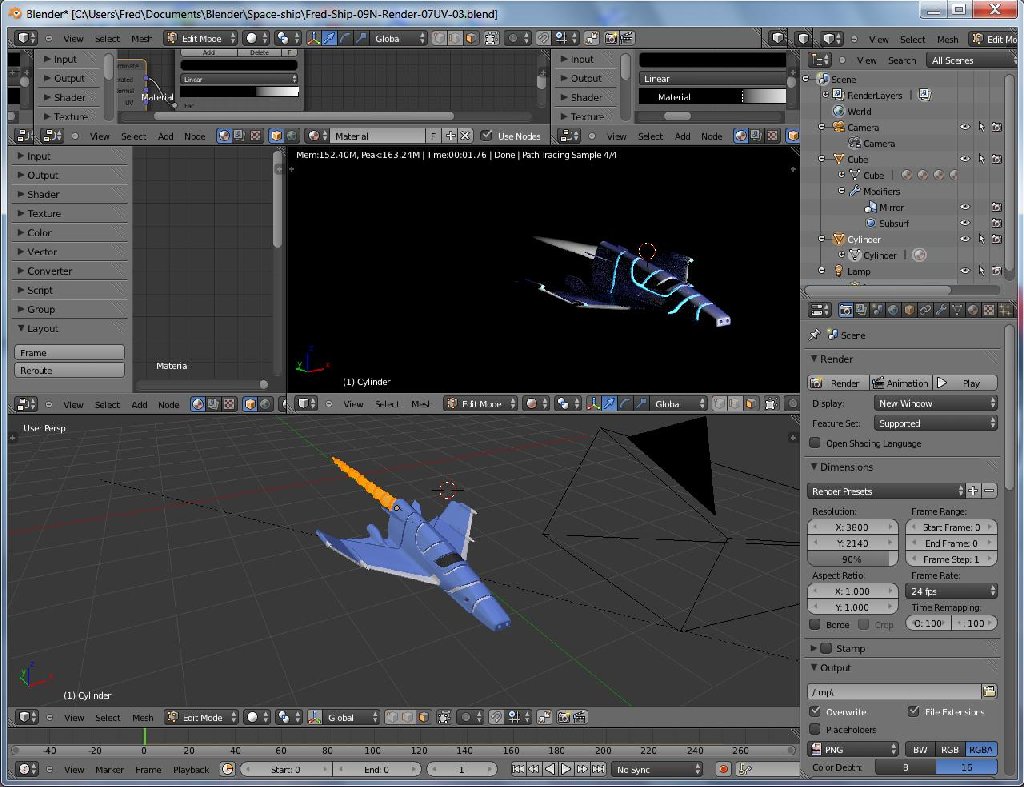
Expermenting with blender 2.69 and following a tutorial from youtube on creating a space ship. Have got about 25% thru the second video on rendering and texturing using cycles. Modeling part-1 video was pretty easy, but the second, part-2, is getting tough. Mainly because it is assumed that you have knowledge of blender, of which I don't have any. Was able to
kind of do the UV unwrapping, at least part of it. Right now I seem to have lost the main menu for saving the file. Good thing control "s" works. I haven't figured out how to close a window, only add new ones.
Blender expermenting
-
FHembree

- Master Chief Petty Officer
- Posts: 337
- Joined: 21 Feb 2011, 17:43
- Type the number ten into the box: 9
Blender expermenting
- Attachments
-
-
-
BNG

- Chief Warrant Officer
- Posts: 684
- Joined: 16 Oct 2009, 03:26
- Type the number ten into the box: 0
- Location: Texas
Re: Blender expermenting
Nice, Blender is a work in progress and the developers are slowly improving the user interface. Leroy.
Casual Truespace 3D modeling hobbyist. My Truespace blog and simple 3d Modeling Tutorials for Casual Model Makers.
-
rjeff

- Master Chief Petty Officer
- Posts: 462
- Joined: 21 May 2009, 18:26
Re: Blender expermenting
From the tutorials on You tube I have seen , it is a very powerful piece of software, especially for it being free. I have it, and I plan on getting into it here before long.
-
FHembree
- Master Chief Petty Officer
- Posts: 337
- Joined: 21 Feb 2011, 17:43
- Type the number ten into the box: 9
Re: Blender expermenting
Yes, I think it is powerful, but also very confusing in some areas.
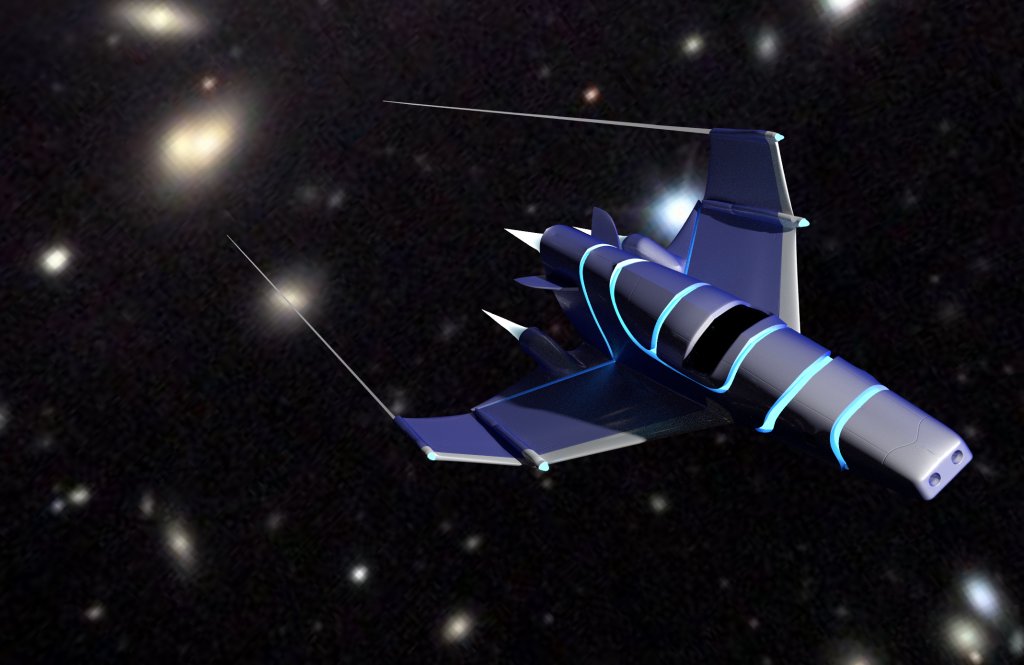
Continuing to experiment with blender 2.69 and following a tutorial from you tube on creating a space ship.
I was able to get menus fixed as there is an option to load or not load interface,(default),
if it is unchecked, blender reverts to the default layout.
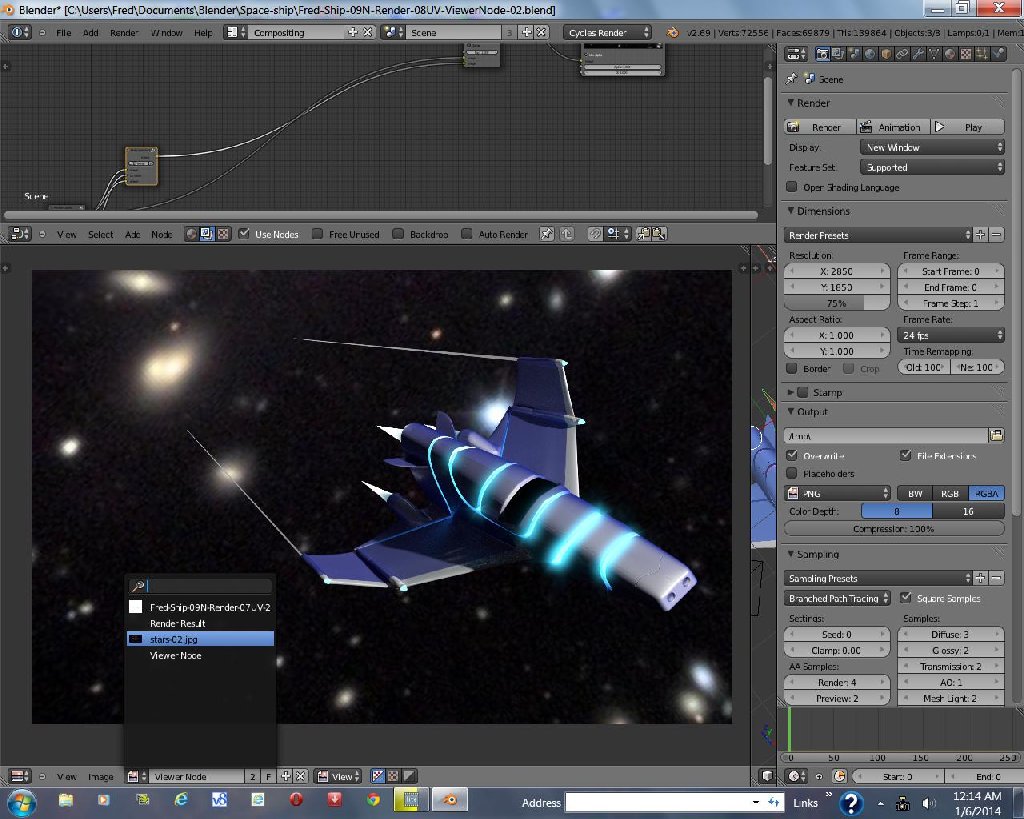
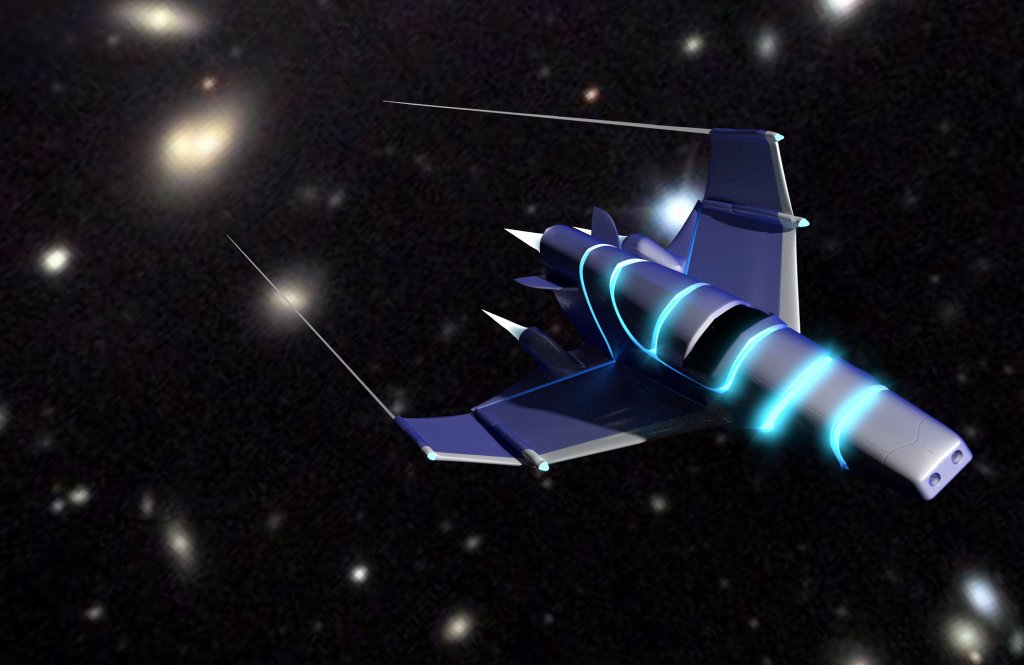
Can't seem to get the composting rendering set up to work as in the tutorial. About ready to give up on this, as I have spent a lot of time on it.
Also confused on the rendering options between "render finished" and "render Viewer nodes" options. Confused by the titles as I using nodes for the materials so why would one render result be different from the other. See attached images.
Continuing to experiment with blender 2.69 and following a tutorial from you tube on creating a space ship.
I was able to get menus fixed as there is an option to load or not load interface,(default),
if it is unchecked, blender reverts to the default layout.
Can't seem to get the composting rendering set up to work as in the tutorial. About ready to give up on this, as I have spent a lot of time on it.
Also confused on the rendering options between "render finished" and "render Viewer nodes" options. Confused by the titles as I using nodes for the materials so why would one render result be different from the other. See attached images.
- Attachments
-
-
-
-
Draise

- Captain
- Posts: 3200
- Joined: 21 Sep 2009, 19:33
- Type the number ten into the box: 0
- Location: Bogota, Colombia
Re: Blender expermenting
Looking good! Love the compositing in Blender, use it all the time when I can. The image may need motionblur no, just for kicks? You're doing alright!
-
FHembree
- Master Chief Petty Officer
- Posts: 337
- Joined: 21 Feb 2011, 17:43
- Type the number ten into the box: 9
Re: Blender expermenting
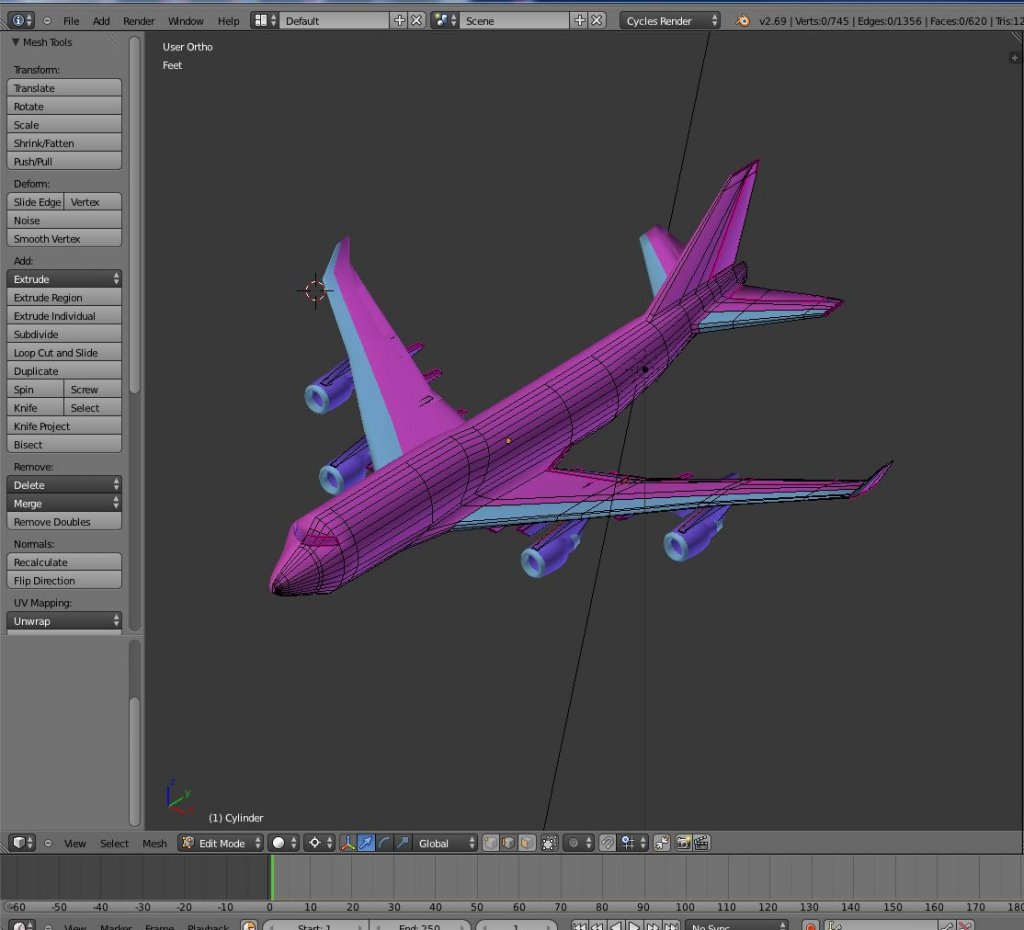
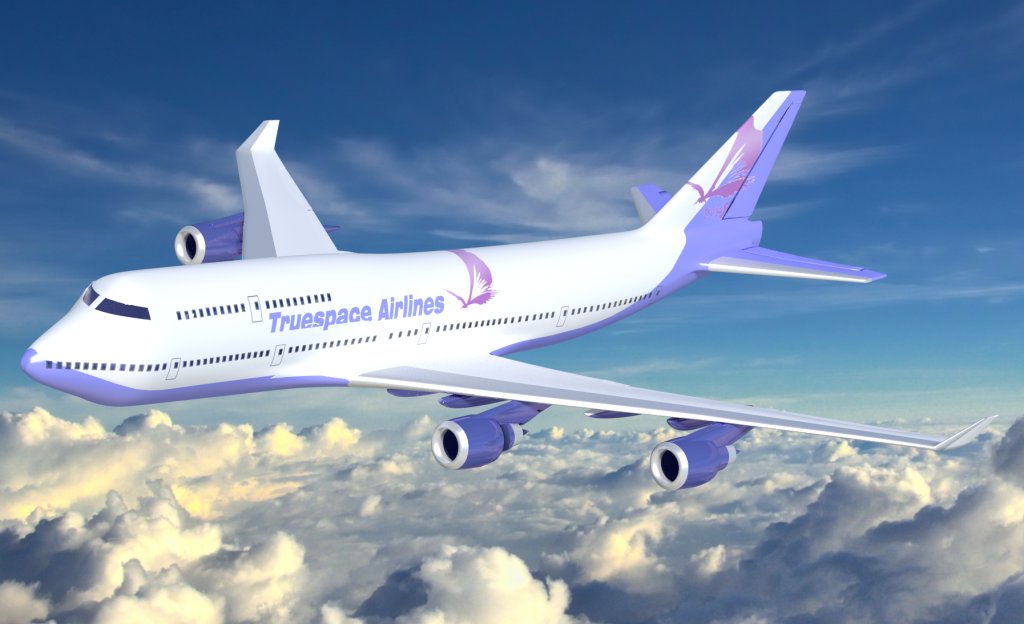
Got tired of the spaceship and had done all I was able to complete on it and decided to moved on to creating an airplane (747-400) in blender. Just when I thought I had the basics under my belt
I had to make some adjustments to the engines so I redrew them starting with a cylinder. I added the cylinder while in edit mode and had it completed except it that would't render or
show up in solid mode. I guess you have to add objects while in object mode?
I had to make some adjustments to the engines so I redrew them starting with a cylinder. I added the cylinder while in edit mode and had it completed except it that would't render or
show up in solid mode. I guess you have to add objects while in object mode?
- Attachments
-
-
-
Dragneye

- Lieutenant
- Posts: 906
- Joined: 02 Sep 2009, 22:09
Re: Blender expermenting
Closing/opening new window = upper right of every window there is triangular/lines kinda icon. Click and hold. Now, which ever direction you move while holding it down, it will create a new window that way.
Click/hold drag like above, but if dragging towards a window that is there already, it will over run it with your original window, thus deleting it.
Click/hold drag like above, but if dragging towards a window that is there already, it will over run it with your original window, thus deleting it.
-
FHembree
- Master Chief Petty Officer
- Posts: 337
- Joined: 21 Feb 2011, 17:43
- Type the number ten into the box: 9
Re: Blender expermenting
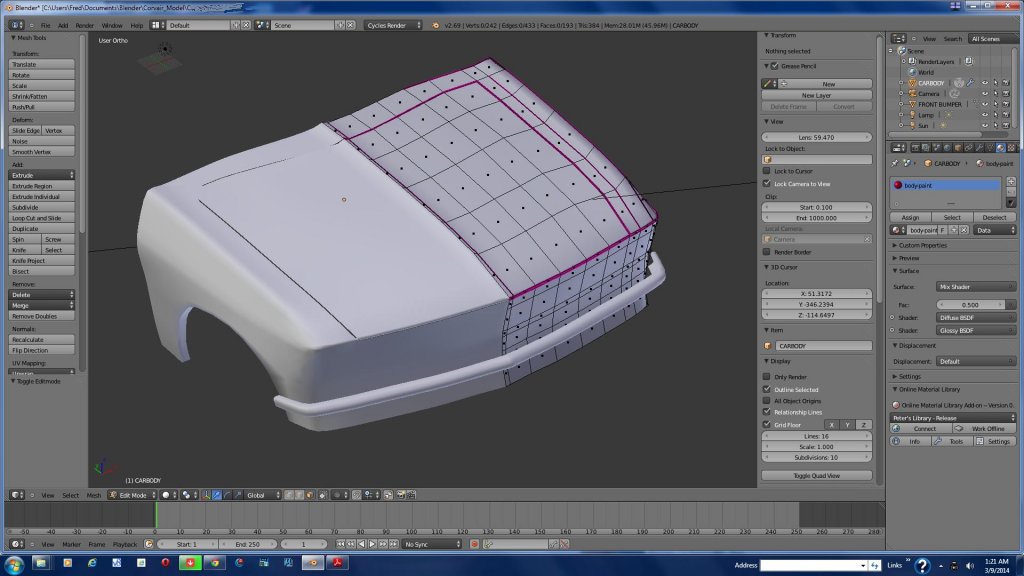
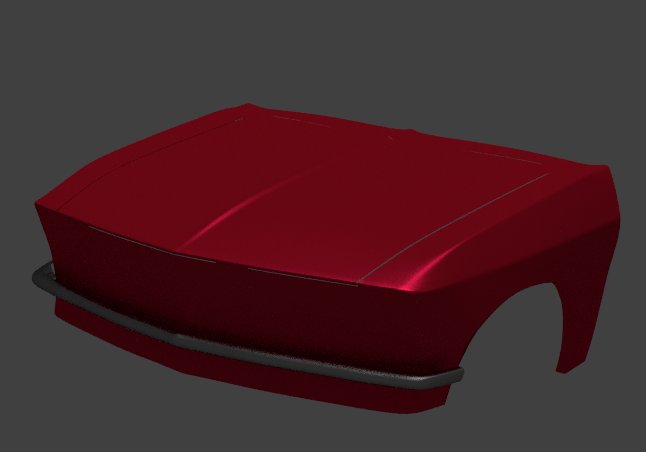
Thought I would try modeling a car in blender. Could not find blueprints I needed anywhere so I will try to model from
photographs. Hopefully it will work out ok.
photographs. Hopefully it will work out ok.
- Attachments
-
-
-
FHembree
- Master Chief Petty Officer
- Posts: 337
- Joined: 21 Feb 2011, 17:43
- Type the number ten into the box: 9
Re: Blender expermenting
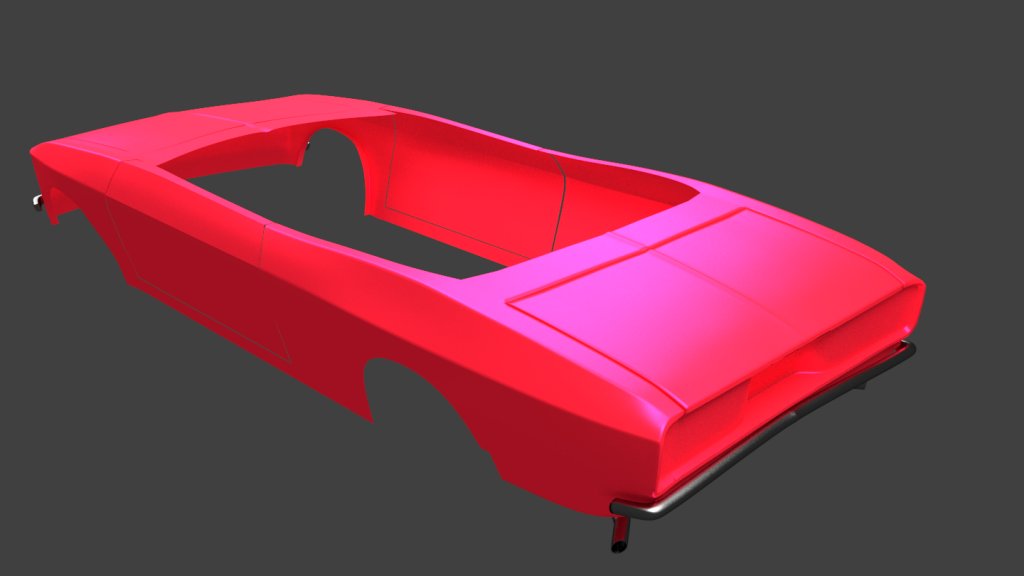
Made a little more progress. Modeling is going ok, but having trouble understanding how to set up lighting.
- Attachments
-
-
Draise
- Captain
- Posts: 3200
- Joined: 21 Sep 2009, 19:33
- Type the number ten into the box: 0
- Location: Bogota, Colombia
Re: Blender expermenting
Looking great!!!!
The lighting... yeah, I am not sure how that works much either. I know you can add and delete lights, it shouldn't be too hard. Each light has their settings and things - worth a study I guess!
The lighting... yeah, I am not sure how that works much either. I know you can add and delete lights, it shouldn't be too hard. Each light has their settings and things - worth a study I guess!
-
FHembree
- Master Chief Petty Officer
- Posts: 337
- Joined: 21 Feb 2011, 17:43
- Type the number ten into the box: 9
Re: Blender expermenting
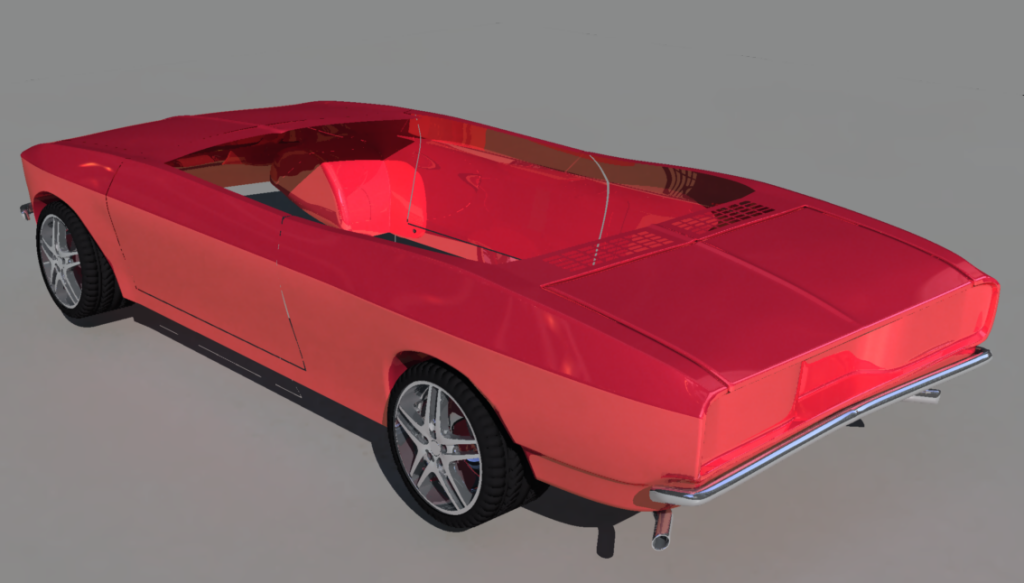
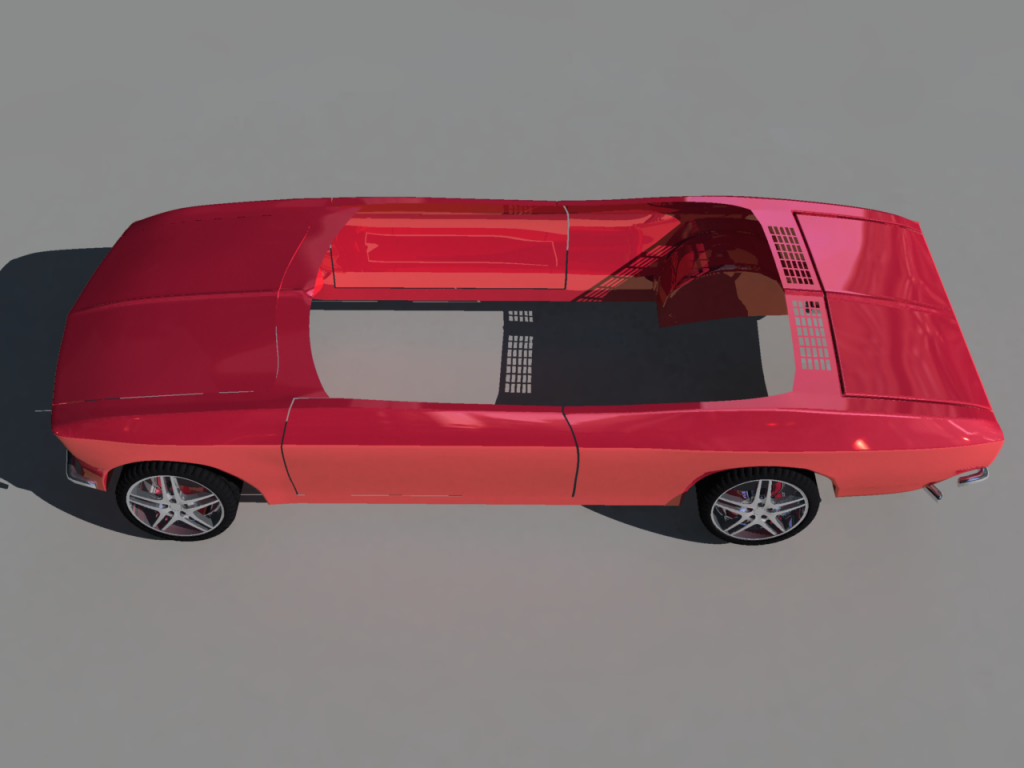
Made a little more progress. The wheels are just place holders. They will be replaced with wire spoke types with spinners when I get to that point.
The car is a convertible so I will do 2 models, one with top down, (will need to do the interior), and one with the top up.
I copied the wheels from another demo blender file, (Enzo Ferrari), and are the wrong type for this car.
The car is a convertible so I will do 2 models, one with top down, (will need to do the interior), and one with the top up.
I copied the wheels from another demo blender file, (Enzo Ferrari), and are the wrong type for this car.
- Attachments
-
-
-
clintonman

- Captain
- Posts: 5659
- Joined: 21 May 2009, 21:08
- Type the number ten into the box: 0
- Location: California
Re: Blender expermenting
Have you ever seen the Flintstones? It's the first thing that came to mind. 
-
FHembree
- Master Chief Petty Officer
- Posts: 337
- Joined: 21 Feb 2011, 17:43
- Type the number ten into the box: 9
Re: Blender expermenting
Abba dabba doo 2 u too
-
FHembree
- Master Chief Petty Officer
- Posts: 337
- Joined: 21 Feb 2011, 17:43
- Type the number ten into the box: 9
Re: Blender expermenting
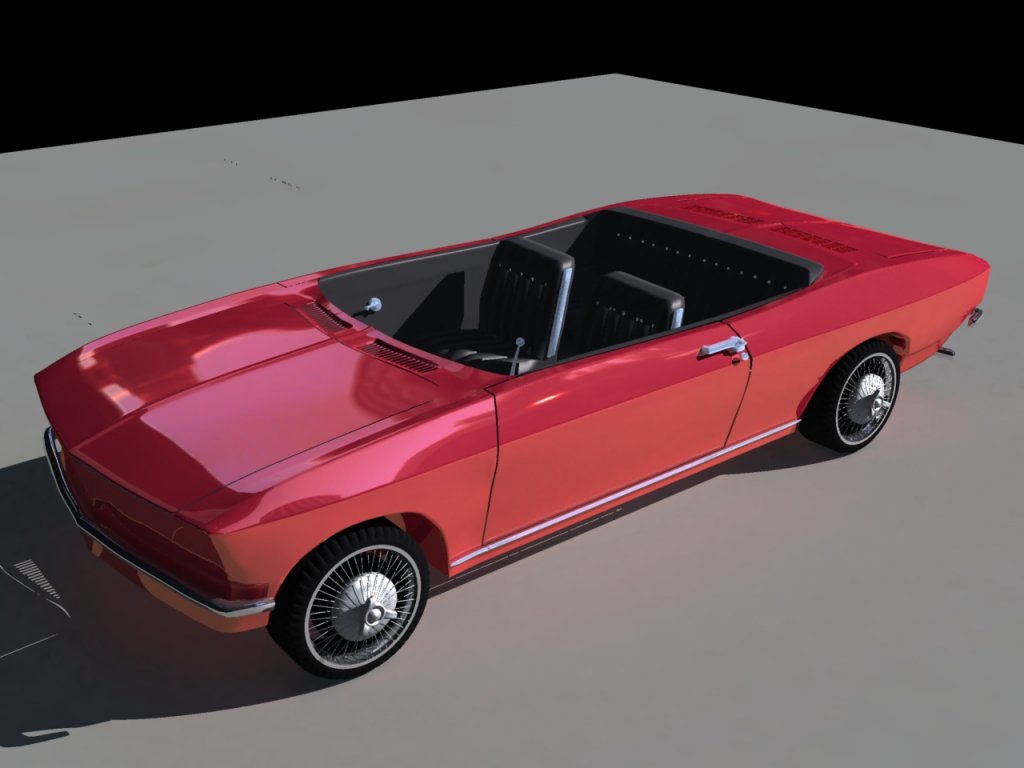
A little more progress (on Flintstone mobile  ). Added wire-wheels and some interior. Door handles are too large.
Slow progress but I'm in no hurry.
Couldn't get blender to render to my satisfaction so I rendered these in Carrara. Carrara is much faster, only the import and
export takes a few minutes.
). Added wire-wheels and some interior. Door handles are too large.Slow progress but I'm in no hurry.
Couldn't get blender to render to my satisfaction so I rendered these in Carrara. Carrara is much faster, only the import and
export takes a few minutes.
- Attachments
-
-
Steinie

- Captain
- Posts: 2958
- Joined: 21 May 2009, 17:38
- Type the number ten into the box: 10
Re: Blender expermenting
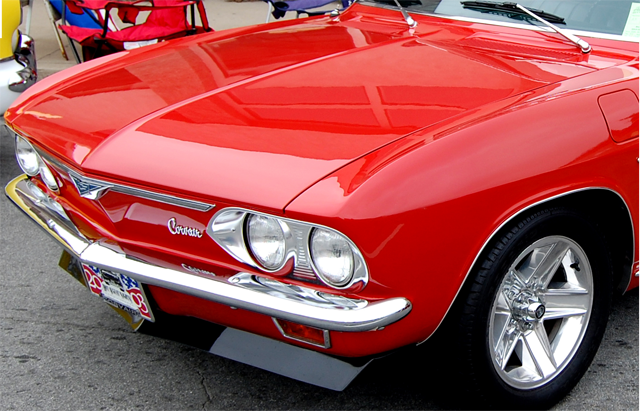
Is this a model of a Corvair? The front looks spot on. The vents in the back tells me it is a rear engine.
-
FHembree
- Master Chief Petty Officer
- Posts: 337
- Joined: 21 Feb 2011, 17:43
- Type the number ten into the box: 9
Re: Blender expermenting
Yes, thats what I'm trying to model. Thanks for the photo, it reminds me I need to add the gas filler door.
-
FHembree
- Master Chief Petty Officer
- Posts: 337
- Joined: 21 Feb 2011, 17:43
- Type the number ten into the box: 9
Re: Blender expermenting
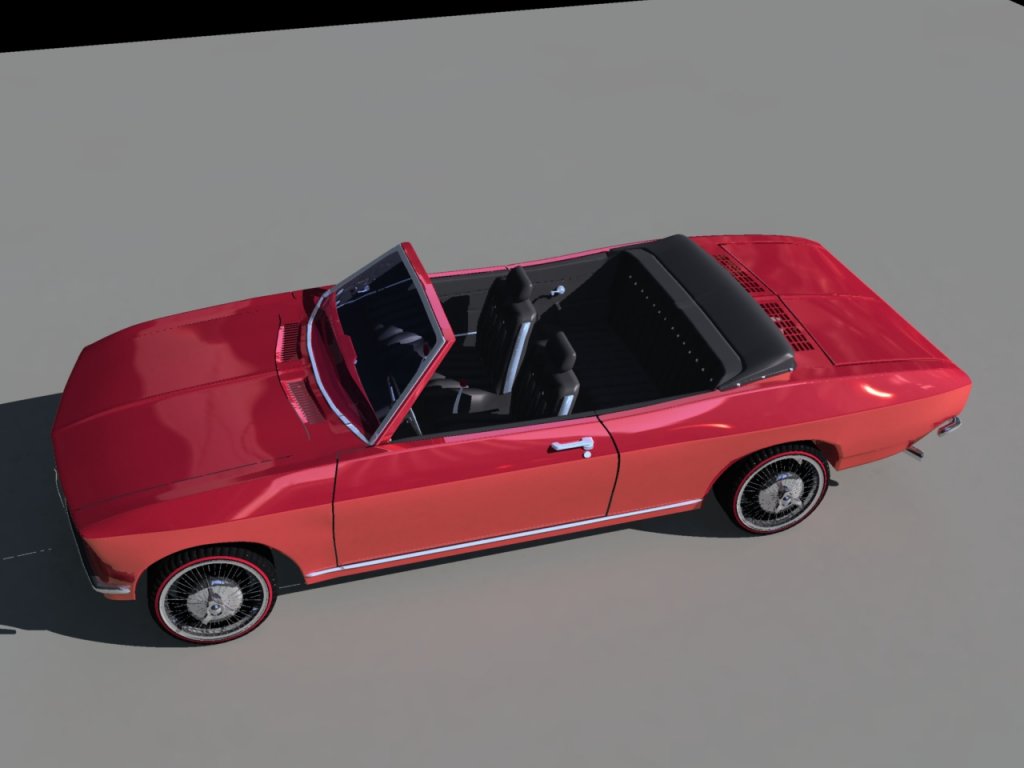
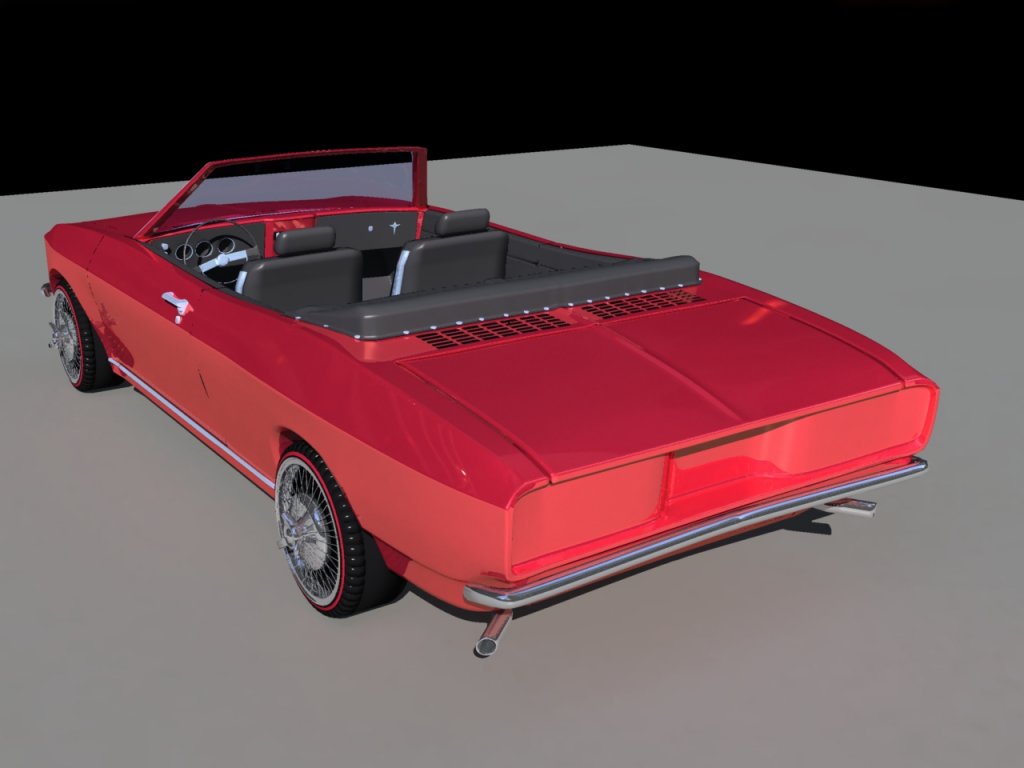
Wish I could make my model as accurate as the photo you attached. I got the color pretty close.
Made a little more progress.
Made a little more progress.
- Attachments
-
-
-
Steinie
- Captain
- Posts: 2958
- Joined: 21 May 2009, 17:38
- Type the number ten into the box: 10
Re: Blender expermenting
The one thing that looks odd to me is the length. I just do not think the Corvair was that long.
Look at the 61 sedan for instance:
http://www.the-blueprints.com/search/corvair/"
I see you added red-walls...reminds me of my Formula S 67' Barracuda.
Look at the 61 sedan for instance:
http://www.the-blueprints.com/search/corvair/"
I see you added red-walls...reminds me of my Formula S 67' Barracuda.
-
Finis

- Captain
- Posts: 5410
- Joined: 21 May 2009, 18:26
- Type the number ten into the box: 0
- Location: America!
Re: Blender expermenting
'Cuda,Steinie wrote:Formula S 67' Barracuda
 'Cuda
'Cuda I prefer dangerous freedom over peaceful servitude. -- Thomas Jefferson/Jean Jacques Rousseau
-
FHembree
- Master Chief Petty Officer
- Posts: 337
- Joined: 21 Feb 2011, 17:43
- Type the number ten into the box: 9
Re: Blender expermenting
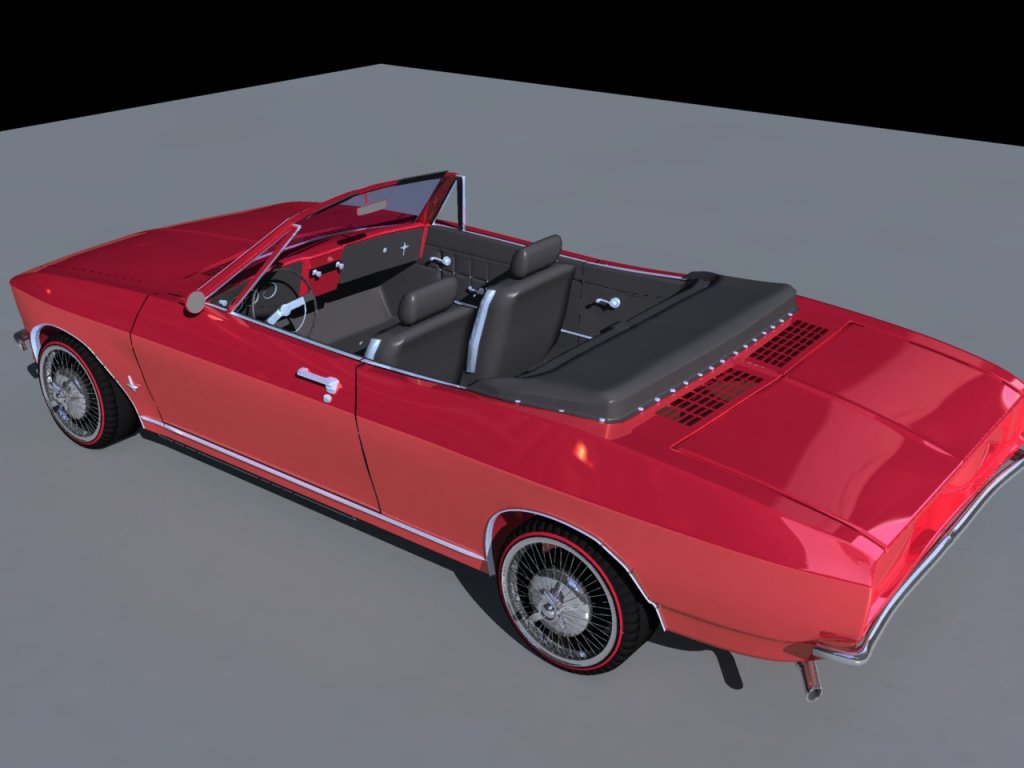
Made a slight reduction in overall length. The rear seats looked like there
was too much room in the back. The rear deck was long because the flat 6 cylinder engine
hung entirely behind the rear wheels and the transmission was about centered
in the rear wheels. I owned a 65 model convertible for about 4 years and this adjusted
proportions look pretty close to me.
was too much room in the back. The rear deck was long because the flat 6 cylinder engine
hung entirely behind the rear wheels and the transmission was about centered
in the rear wheels. I owned a 65 model convertible for about 4 years and this adjusted
proportions look pretty close to me.
- Attachments
-
-
FHembree
- Master Chief Petty Officer
- Posts: 337
- Joined: 21 Feb 2011, 17:43
- Type the number ten into the box: 9
Re: Blender expermenting
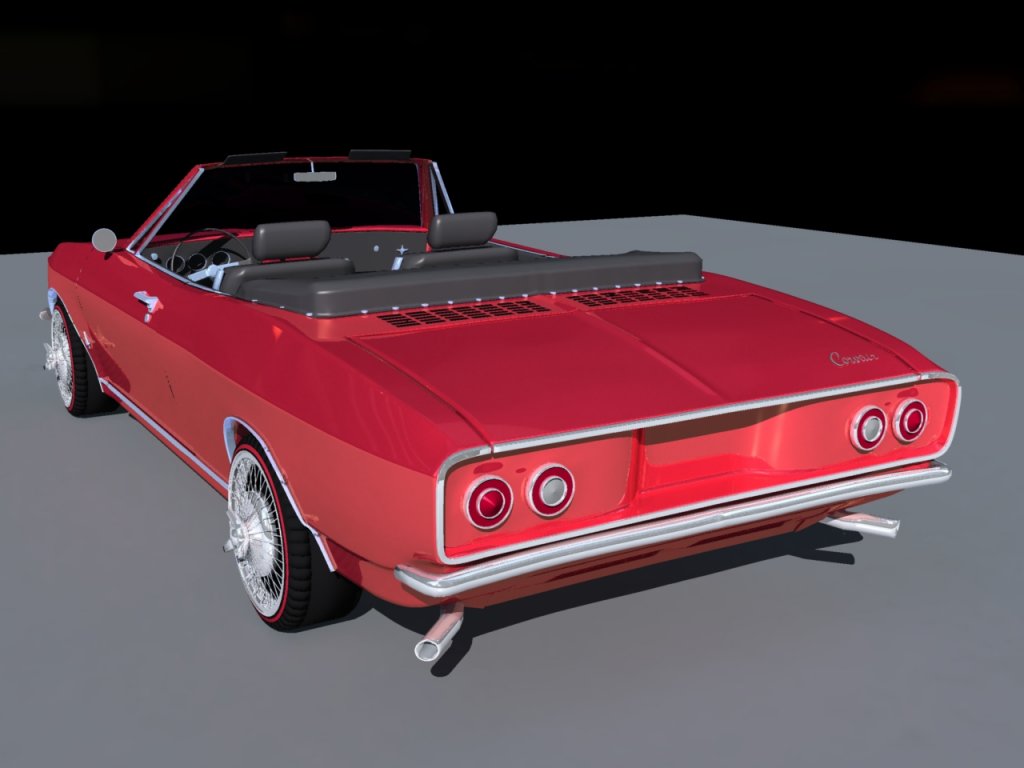
Getting pretty close to completion. Only see a few items to tweak and also add a rear emblem and maybe a tag.
Also need to copy the tires to the other side.
Also need to copy the tires to the other side.
- Attachments
-
-
-
Steinie
- Captain
- Posts: 2958
- Joined: 21 May 2009, 17:38
- Type the number ten into the box: 10
Re: Blender expermenting
This is looking sweet! NOW it looks like a Corvair!
Did your tires stick out from the vehicle like your showing?
Your doing a fantastic job.
Something your missing in your render, leaking oil in the back...
Just trying to add "realism"
Did your tires stick out from the vehicle like your showing?
Your doing a fantastic job.
Something your missing in your render, leaking oil in the back...
Just trying to add "realism"
-
FHembree
- Master Chief Petty Officer
- Posts: 337
- Joined: 21 Feb 2011, 17:43
- Type the number ten into the box: 9
Re: Blender expermenting
Steinie wrote:This is looking sweet! NOW it looks like a Corvair!
Did your tires stick out from the vehicle like your showing?
Your doing a fantastic job.
Something your missing in your render, leaking oil in the back...
Just trying to add "realism"
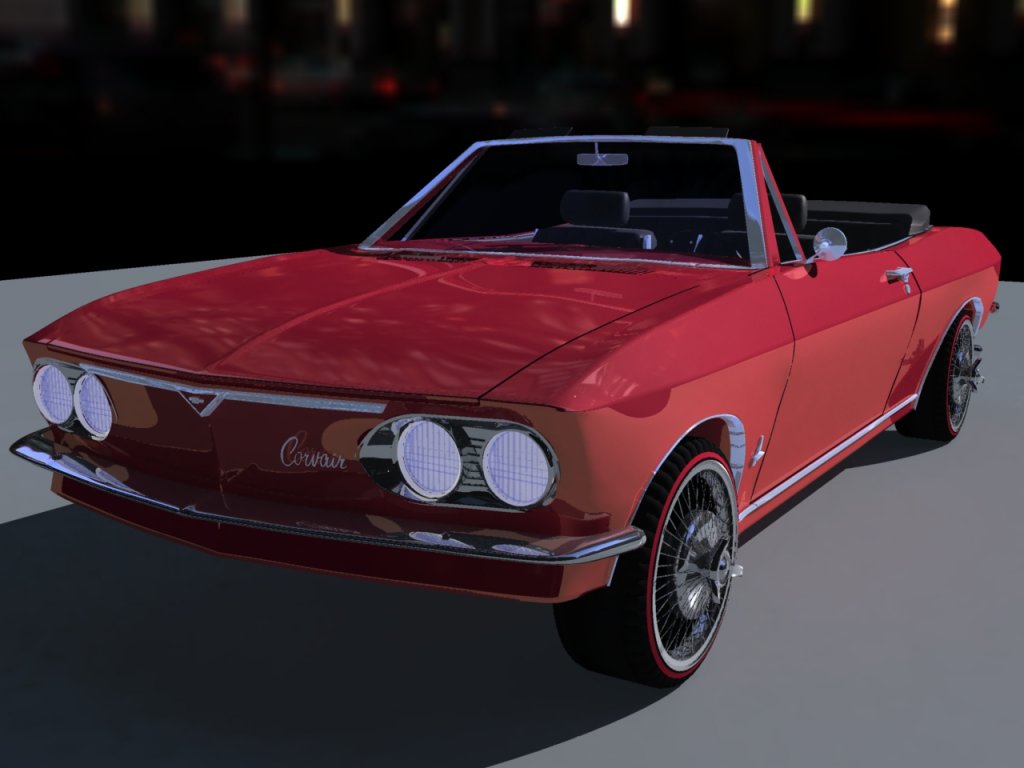
No, I need to move tires in just a little. Have been putting that off for later.
I been reworking the headlights trying to make them more realistic.
- Attachments
-
-
FHembree
- Master Chief Petty Officer
- Posts: 337
- Joined: 21 Feb 2011, 17:43
- Type the number ten into the box: 9
Re: Blender expermenting
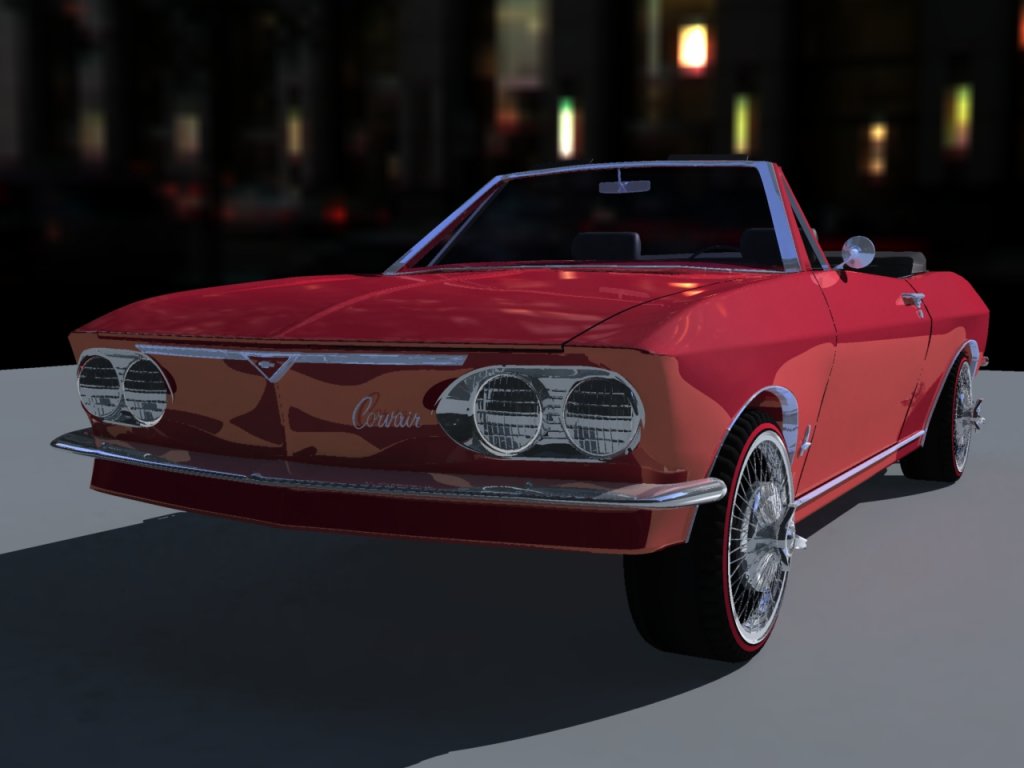
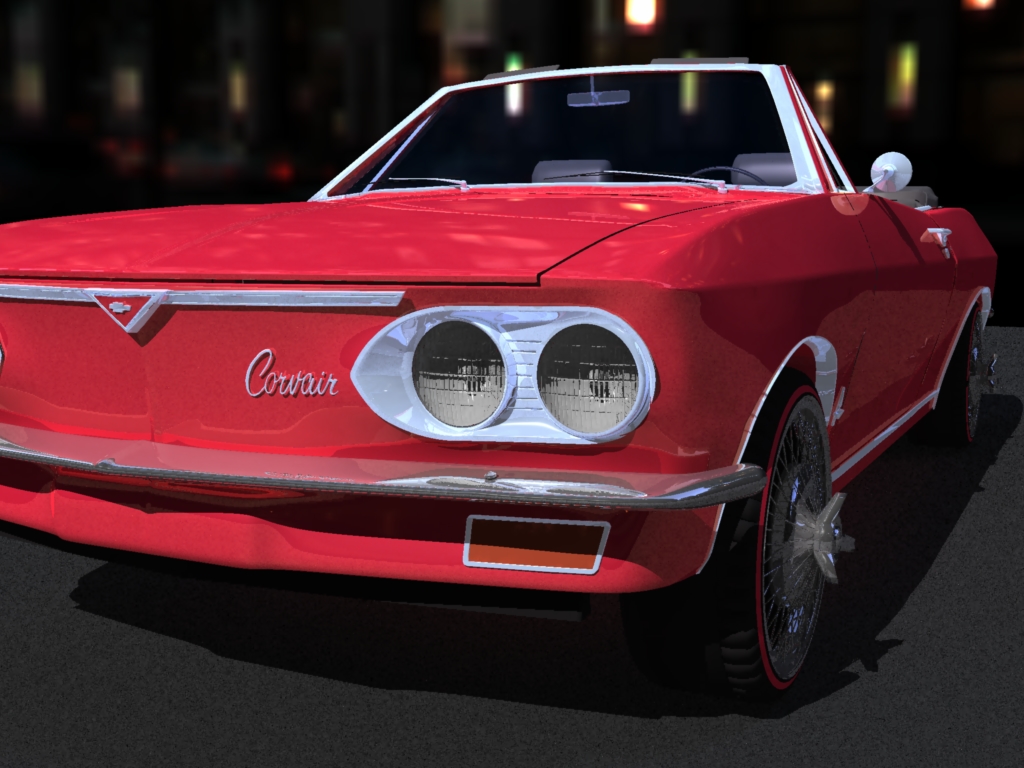
Wasn't happy with the headlights so I added a little more detail to them. Also add windshield wipers and parking lights.
I think I will move on the doing the version with the top up if I can find the time/energy to finish it.
I think I will move on the doing the version with the top up if I can find the time/energy to finish it.
- Attachments
-
-
FHembree
- Master Chief Petty Officer
- Posts: 337
- Joined: 21 Feb 2011, 17:43
- Type the number ten into the box: 9
Re: Blender expermenting
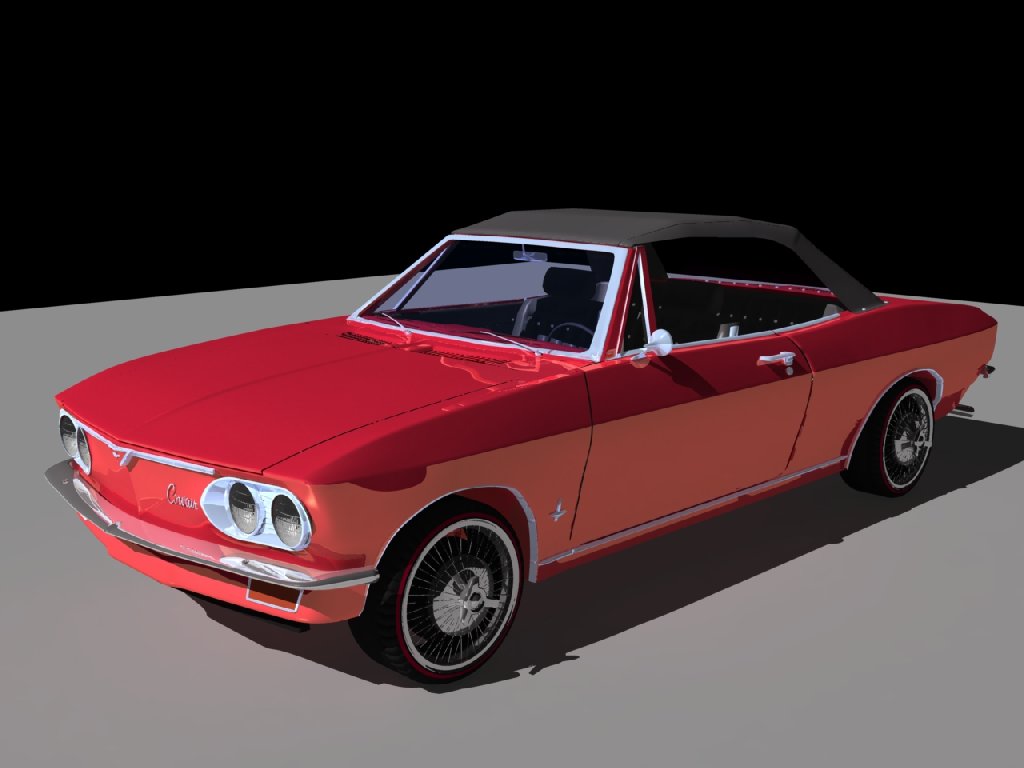
Well I finally found some time to put the top up on this car.
I need to do some more editing before I can show the rear view.
I need to do some more editing before I can show the rear view.
- Attachments
-
-
darkmage
- Senior Chief Petty Officer
- Posts: 184
- Joined: 03 Apr 2011, 13:42
- Type the number ten into the box: 9
Re: Blender expermenting
everything is looking great.
If you still want help on the lighting side of things I suggest you take a look at this very good tutorial by Andrew Price: http://www.blenderguru.com/videos/mastering-lighting/"
I hope that helps.
Oh, you might also want to watch this short little video I made a while ago, explaining a useful little feature that makes light emitting objects, or any object, invisible, while still letting them effect the scene/render: https://vimeo.com/49532675"
If you still want help on the lighting side of things I suggest you take a look at this very good tutorial by Andrew Price: http://www.blenderguru.com/videos/mastering-lighting/"
I hope that helps.
Oh, you might also want to watch this short little video I made a while ago, explaining a useful little feature that makes light emitting objects, or any object, invisible, while still letting them effect the scene/render: https://vimeo.com/49532675"
-
Draise
- Captain
- Posts: 3200
- Joined: 21 Sep 2009, 19:33
- Type the number ten into the box: 0
- Location: Bogota, Colombia
Re: Blender expermenting
Dark Mage, I love your participance =) And thanks for the tutorials, I'm starting to get into blender. My studio runs in Softimage and other autodesk software, but I am tired of them as they shut down SI, which is a Maya/Max capable rival, also a Houdini Rival concerning FX and procedurality.... so I am angry at Autodesk. =P So yah, future productions will be in Blender!!! Maybe a few years or so.
So these little tips you make and share are great.
And FHembree, your WIP is awesome, very very good. I'm glad you're sharing it here. Are you going to also make a scene for it?
So these little tips you make and share are great.
And FHembree, your WIP is awesome, very very good. I'm glad you're sharing it here. Are you going to also make a scene for it?