Hi all,
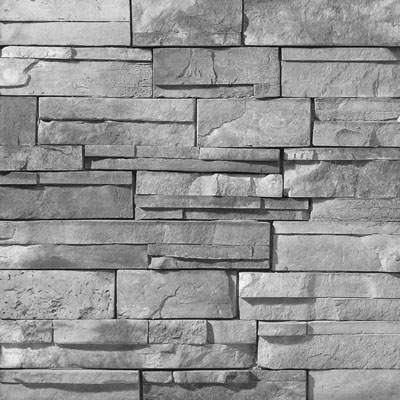
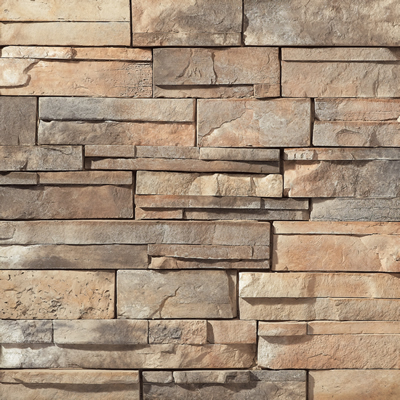
Well after my first tut (the mouse) I felt pretty good and well jumped right in and got stuck. Using TS to help me renovate my basement. I think I did a pretty decent job scaling and making everything fit (though missing stair, the bathroom and one wall). On the wall with the TV we would like to use the fake rocks. I have a color image of them and thought I could just turn it black and white (sorry I know there is a tut for this) and use it as the bump map at the same dimensions as the color image but I get a funky result.
Bump mapping
-
Vagabond
- Petty Officer Second Class
- Posts: 20
- Joined: 19 Sep 2009, 13:10
Bump mapping
- Attachments
-
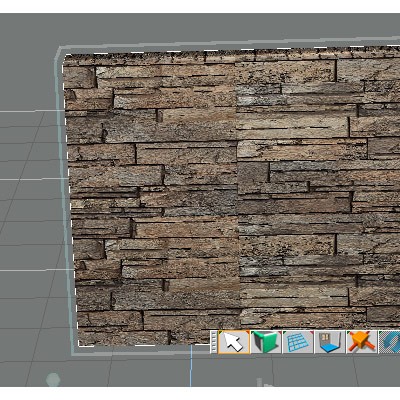
- rendered bump map
-
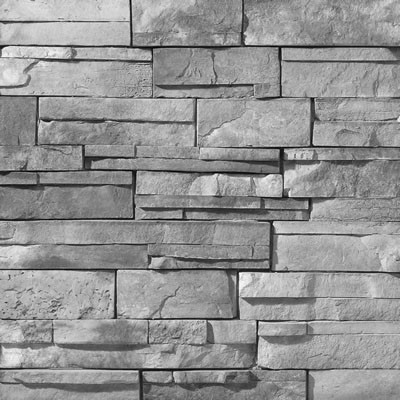
- B&W image
-
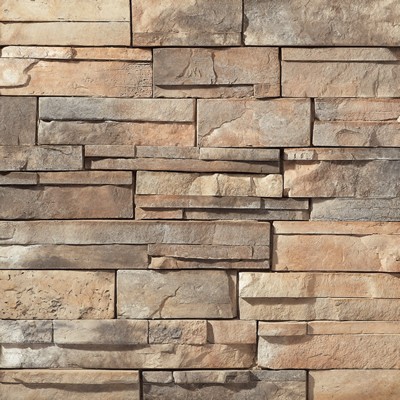
- color image
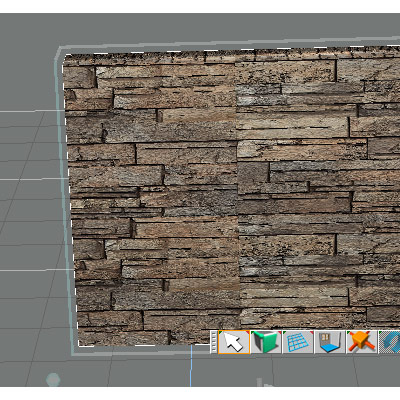
-
Vagabond
- Petty Officer Second Class
- Posts: 20
- Joined: 19 Sep 2009, 13:10
Re: Bump mapping
Sorry did not realize those images were so large
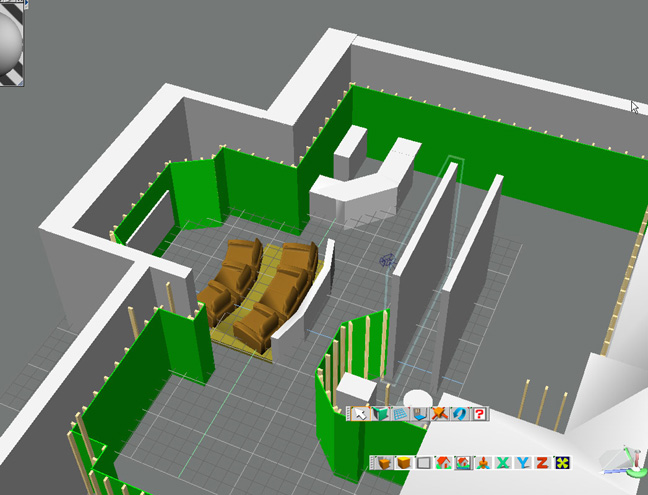
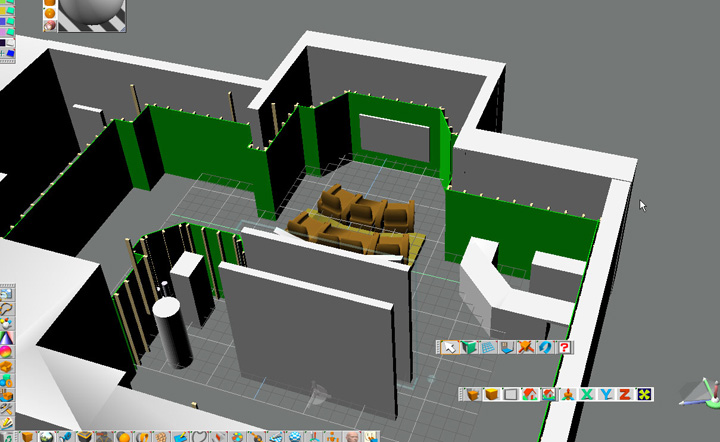
Here are some room views
Here are some room views
- Attachments
-
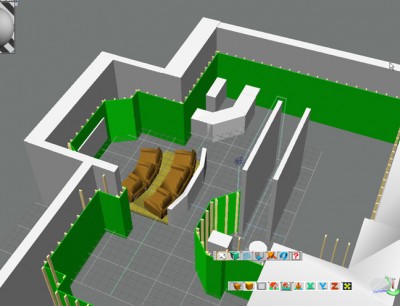
- view 2
-

- view 1
-
Karthogen
- Master Chief Petty Officer
- Posts: 454
- Joined: 03 Jun 2009, 14:12
Re: Bump mapping
If you use GIMP there is a tutorial for creating a normal map for use in TS. Works nicely, it is what I use.
This one gives the link to the Normal Map plugin and basic directiosn.
vi ... f=37&t=371"
This tut has a little more detail on using the plugin with Specular maps and 3d previews.
vi ... f=37&t=725"
This one gives the link to the Normal Map plugin and basic directiosn.
vi ... f=37&t=371"
This tut has a little more detail on using the plugin with Specular maps and 3d previews.
vi ... f=37&t=725"
-
Vagabond
- Petty Officer Second Class
- Posts: 20
- Joined: 19 Sep 2009, 13:10
Re: Bump mapping
Thanks for the links Ill check them out and hopefully post a successful image.
-
DesignDevil

- Master Chief Petty Officer
- Posts: 500
- Joined: 22 May 2009, 08:52
- Type the number ten into the box: 0
- Location: Neuruppin, Germany, Earth.
Re: Bump mapping
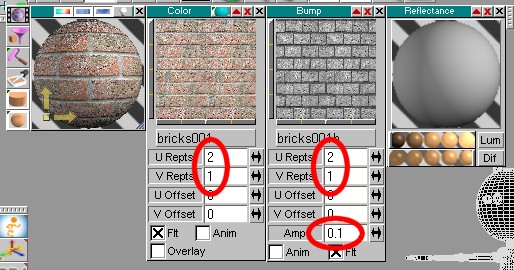
I can see that you tiled the texture. Are you sure that you also tiled the bump map in the same way and that the AMP value is not to high?
- Attachments
-
I still use TrueSpace 6.6
Link: My Youtube Channel
Link: www.DesignDevil.de - Plugins, Tutorials and more about TrueSpace 6.6
Link: My Youtube Channel
Link: www.DesignDevil.de - Plugins, Tutorials and more about TrueSpace 6.6
-
marcel

- Captain
- Posts: 2247
- Joined: 21 May 2009, 19:52
- Type the number ten into the box: 0
- Location: paris - France
Re: Bump mapping
-You can also reduce the contrast or/and make a smooth on your bump image.
-To inverse relief and hollow use a negative value for the bump.
-If you duplicate the texture as a tile texture, use a mosaic filter with your photo editor on color and bump images to avoid to see join.
-To inverse relief and hollow use a negative value for the bump.
-If you duplicate the texture as a tile texture, use a mosaic filter with your photo editor on color and bump images to avoid to see join.
Design - illustration - Animation
http://www.crea-vision.fr
http://www.crea-vision.fr
-
RAYMAN

- Captain
- Posts: 2547
- Joined: 21 May 2009, 18:56
Re: Bump mapping
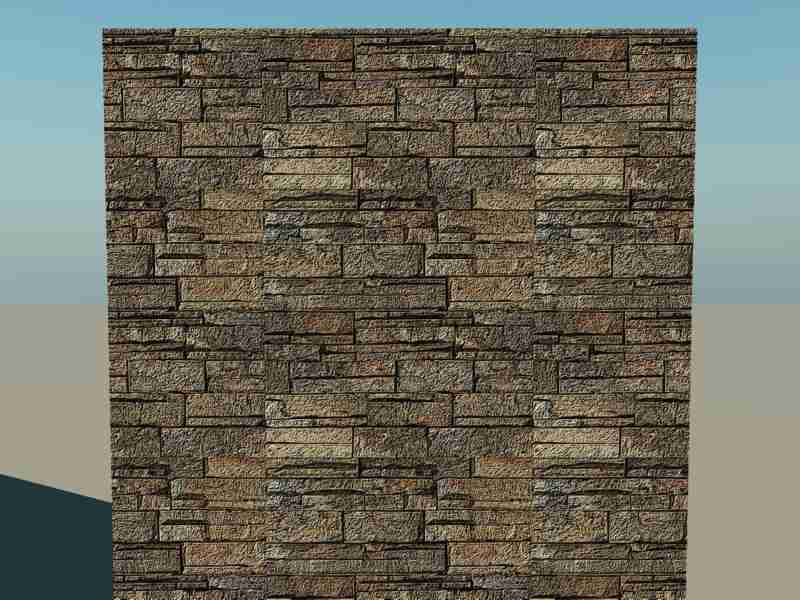
You get funky results because the texture is NOT seamless and its not the bumpmap that is the problem.
You have to make your texture seamless. you can either do that in a program that was made for this purpose or you copy the texture 4 times
in photoshop or any other 2d program so that each of the tiles stands mirrored to the other so that the top left tile would be mirrored to the top right tile and those top tiles would be mirrored to the bottom.That way the texture ends the way it starts from tile to tile...
A-B..... B-A ...... A-B..... B-A..... etc.
here is how it comes out in vue same as in Truespace !
You have to make your texture seamless. you can either do that in a program that was made for this purpose or you copy the texture 4 times
in photoshop or any other 2d program so that each of the tiles stands mirrored to the other so that the top left tile would be mirrored to the top right tile and those top tiles would be mirrored to the bottom.That way the texture ends the way it starts from tile to tile...
A-B..... B-A ...... A-B..... B-A..... etc.
here is how it comes out in vue same as in Truespace !
- Attachments
-
-
RAYMAN
- Captain
- Posts: 2547
- Joined: 21 May 2009, 18:56
Re: Bump mapping
Here i did it for you and with the stamp tool in photoshop I stamped over the funny loking center of your
seamless endresult
That texture still needs some work as you can see the repetition areas.... it takes some time to make nice looking seamless...
seamless endresult
That texture still needs some work as you can see the repetition areas.... it takes some time to make nice looking seamless...
- Attachments
-
-


Last edited by RAYMAN on 30 Sep 2009, 16:08, edited 1 time in total.
-
spacekdet

- Captain
- Posts: 1810
- Joined: 27 May 2009, 15:00
- Type the number ten into the box: 10
- Location: On the day shift at the Utility Muffin Research Kitchen
Re: Bump mapping
Ran your image thru a tile-making software.
See if it looks any better in 3D.
See if it looks any better in 3D.
- Attachments
-

-
RAYMAN
- Captain
- Posts: 2547
- Joined: 21 May 2009, 18:56
Re: Bump mapping
I can also try to run it throughm y seamless texture tools to see what I get but manual work like above works too if you invest a little bit of time...
-
Vagabond
- Petty Officer Second Class
- Posts: 20
- Joined: 19 Sep 2009, 13:10
Re: Bump mapping
All thanks. I will try your texture spacekdet thanks. But i will try to make it myself. I do have PS 7 will look up some tuts for that. I was not so concered about the mis matched pattern as I was about the high grainy quantity. Thanks again will post when I have some progress.
-
spacekdet
- Captain
- Posts: 1810
- Joined: 27 May 2009, 15:00
- Type the number ten into the box: 10
- Location: On the day shift at the Utility Muffin Research Kitchen
Re: Bump mapping
Like Designdevil stated earlier, the graininess might be coming from the amplitude of the bump being set too high. The default values are usually too much, zero it out and start adjusting upwards till it looks good.
-
Vagabond
- Petty Officer Second Class
- Posts: 20
- Joined: 19 Sep 2009, 13:10
Re: Bump mapping
All thanks a lot this looks much much better I will still play with it and work on making a better tiled image
- Attachments
-
